Product Announcements
Discover our latest product updates & innovations.
Scheduled Data Transfers
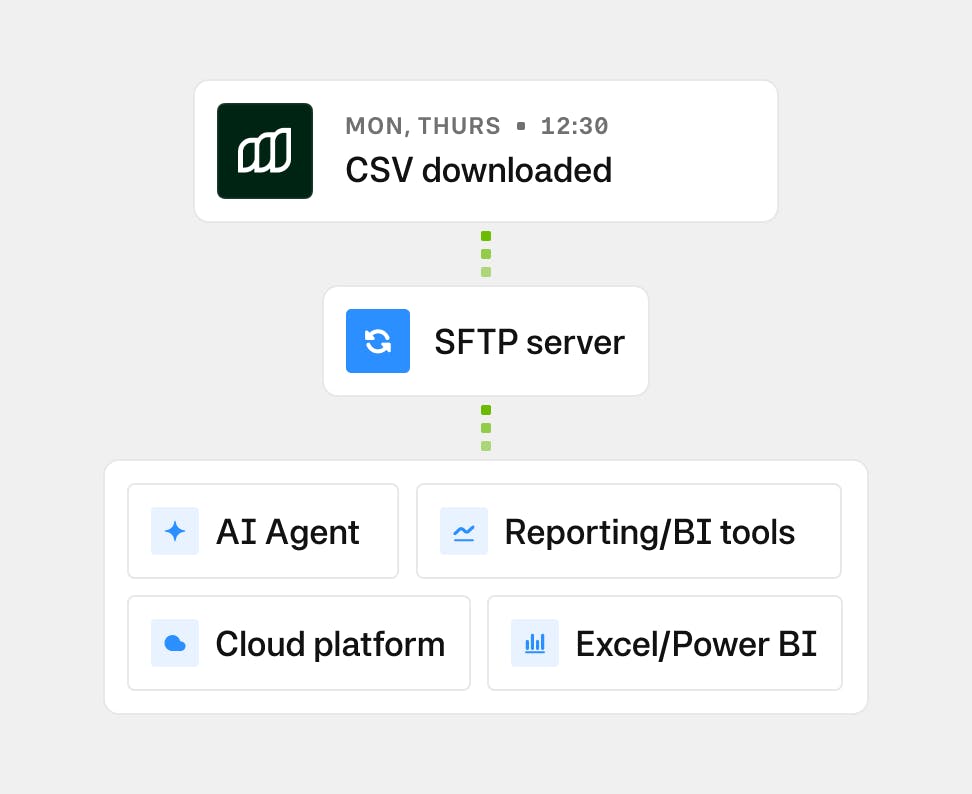
Automatically deliver Moss spend data, including transactions, reimbursements, purchase requests, and attachments, to your company’s SFTP server on a schedule you control. Choose the datasets you need, define how often they’re sent, and receive them in a secure, ready-to-use format for BI tools, ERPs, or document archives.
Payer role
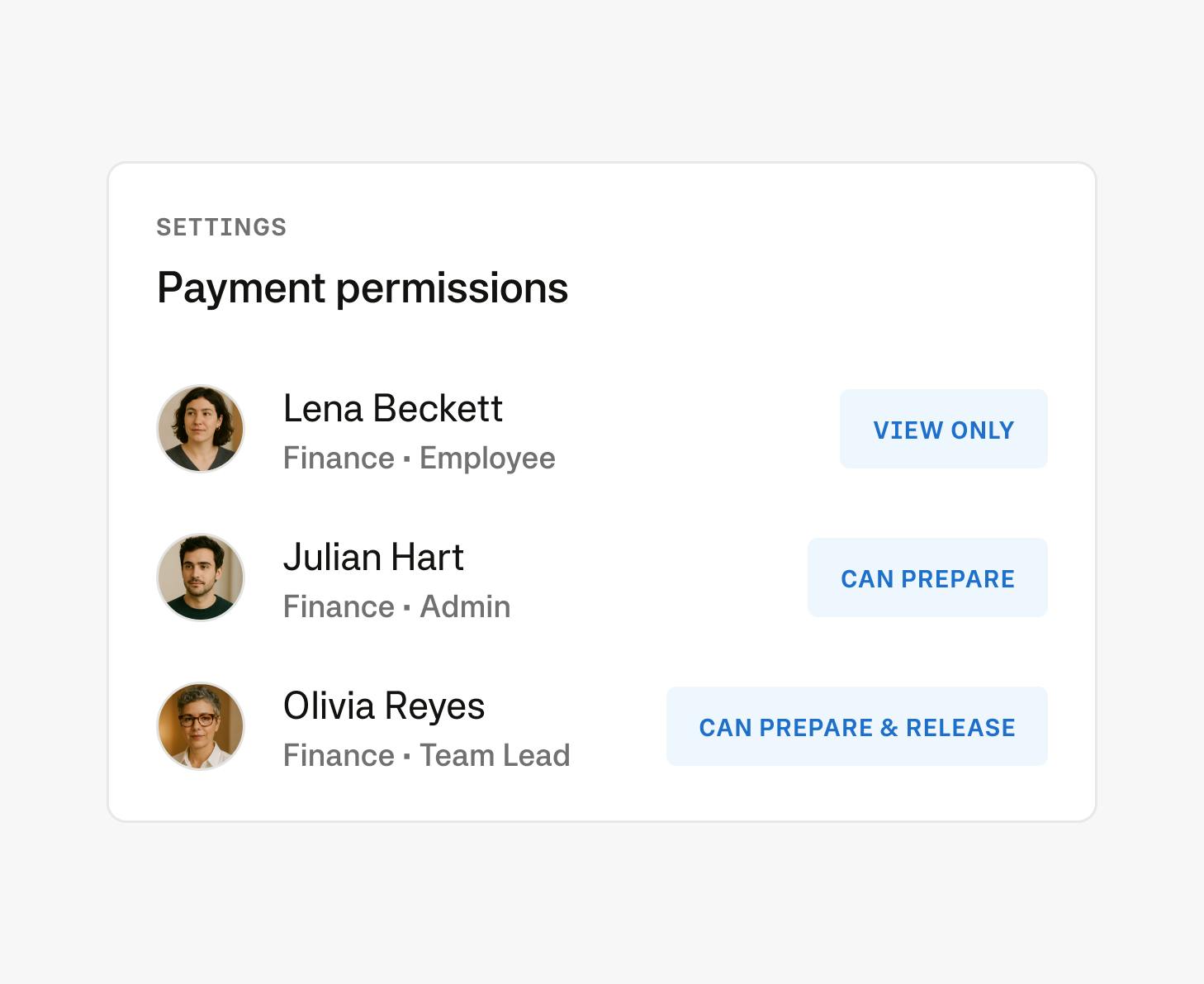
The payer role let admins assign payment-specific rights to users without granting full Admin access. This gives finance teams the ability to delegate payment tasks securely, allowing team members to prepare, edit, or release payments depending on their assigned permission level.
Payment scheduling
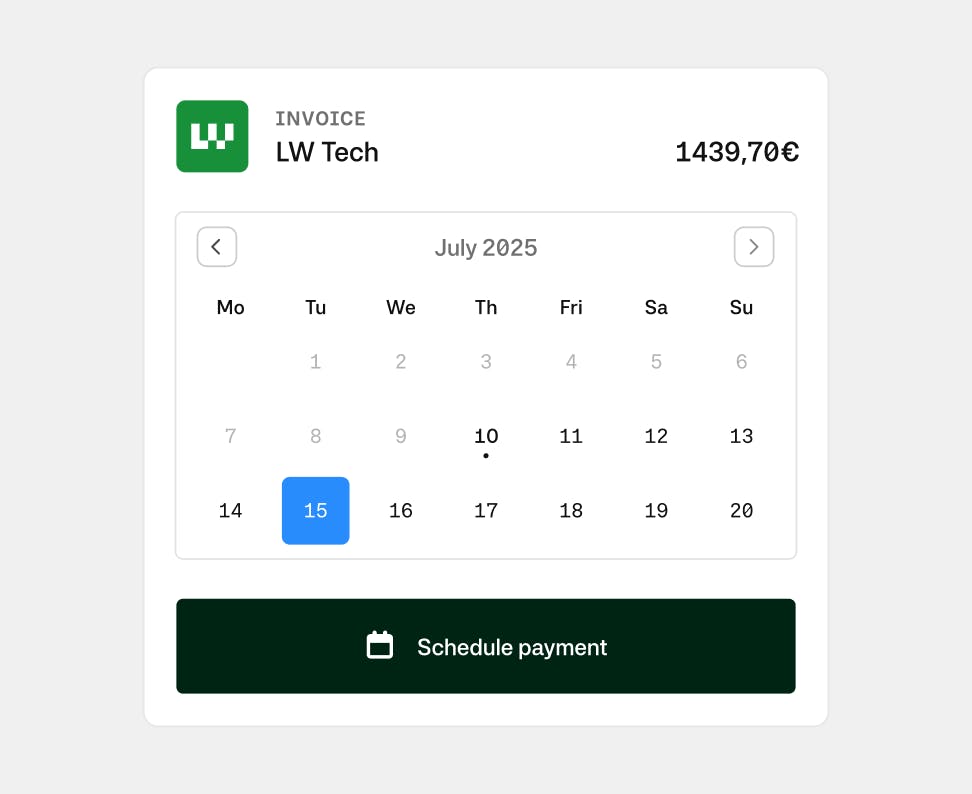
Schedule payments individually or in bulk, with execution dates automatically pre-filled based on invoice due dates. This gives you more freedom for how you prefer to work—approve now, pay later—while supporting internal cash flow policies and invoice terms. It reduces manual effort and minimizes dependence on external banking platforms, streamlining the payment workflow end to end.
All product announcements
Hospitality Expenses
Hospitality expenses like client dinners or team events require extra details for tax compliance. Moss streamlines this by prompting spenders to provide purpose, participants, and tips when submitting receipts. Finance teams can easily filter for hospitality expenses in card transactions or reimbursements and export structured CSVs down to participant level for reporting or audits. Automatic detection via the Pre-Accounting Agent and clear audit trails, make hospitality expenses simple to submit, review, and manage.

Improved Credit Notes
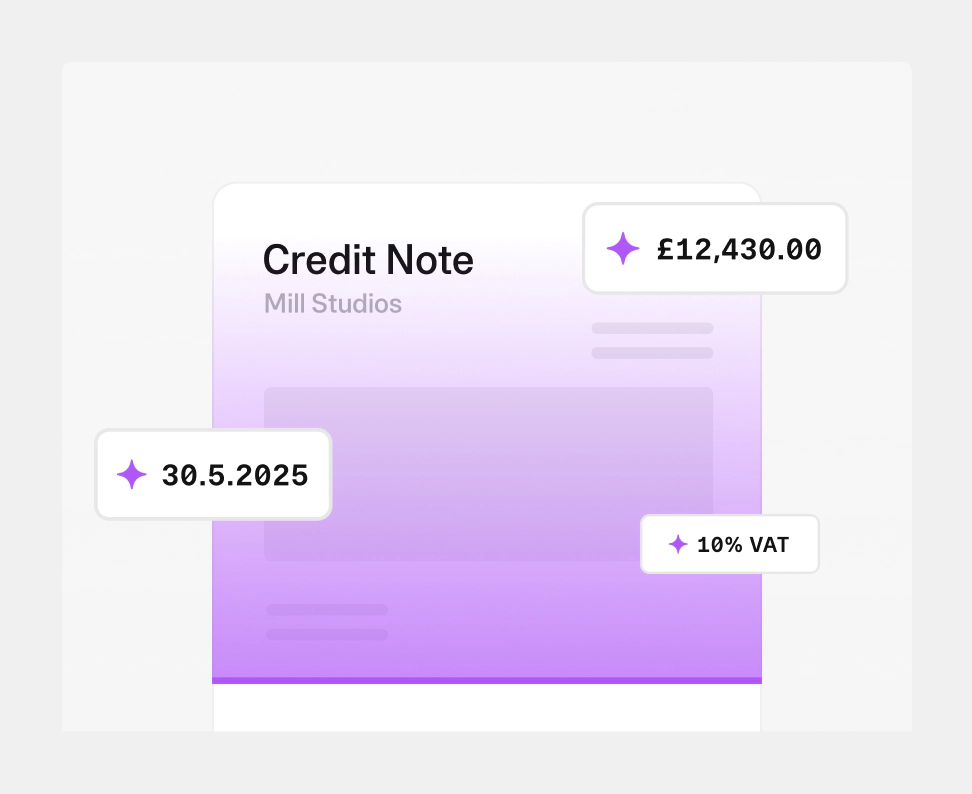
Manage credit notes with the same control as invoices. Credit notes are treated as dedicated AP objects with their own workflow and lifecycle. Net eligible credit notes against invoices at payment, records every allocation, and preserves the relationship through export. The result is cleaner reconciliation, accurate accounting records, and a complete audit trail from receipt to settlement.
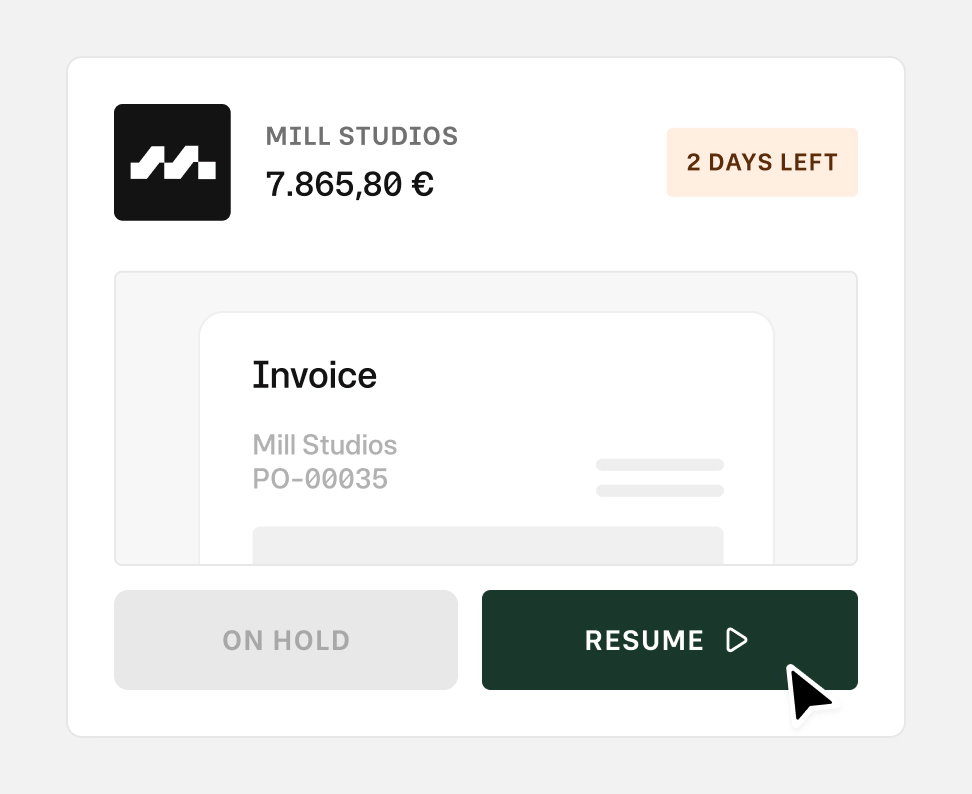
Put expenses on hold
Add a comment and mark transactions, invoices, reimbursements, or purchase requests as on hold directly in the workflow. The status is visible across activity feeds and tables, giving your team clarity on what needs attention. Once work continues, the flag is removed automatically. You keep the context, reduce back-and-forth, and stay aligned.
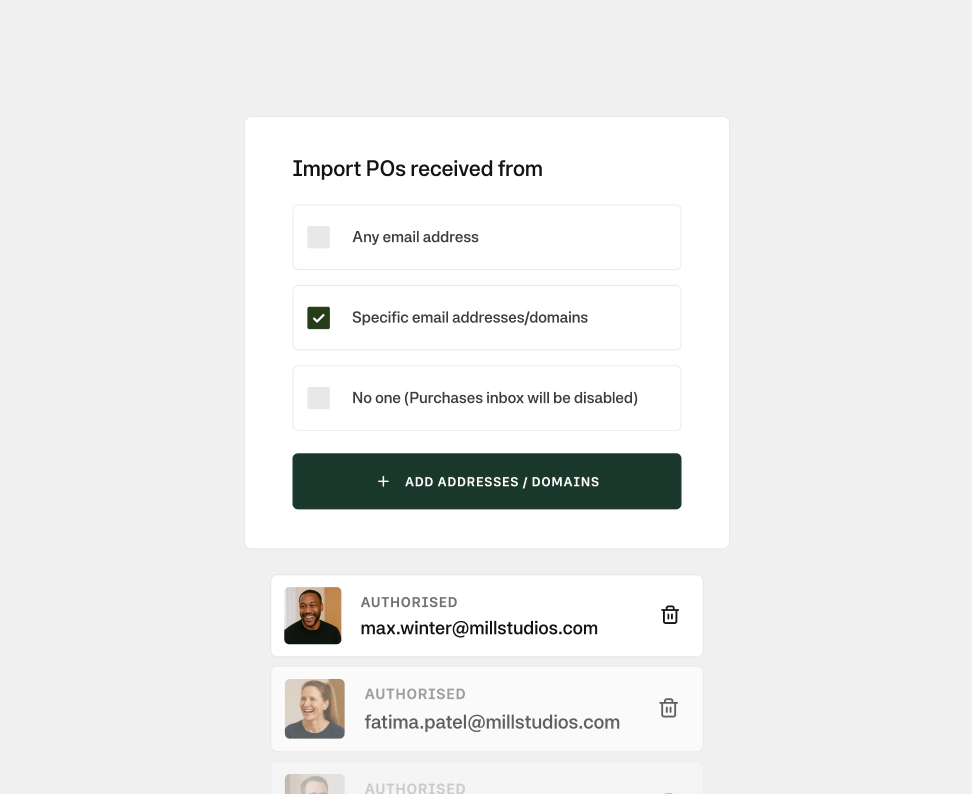
Authorised emails for PO imports
Decide who can send purchase requests into Moss. Admins define which email addresses or domains are accepted by the purchases inbox, with flexible options for full access or restricted lists. Keep your inbox clean, prevent unauthorised submissions, and ensure every request comes from a trusted source.
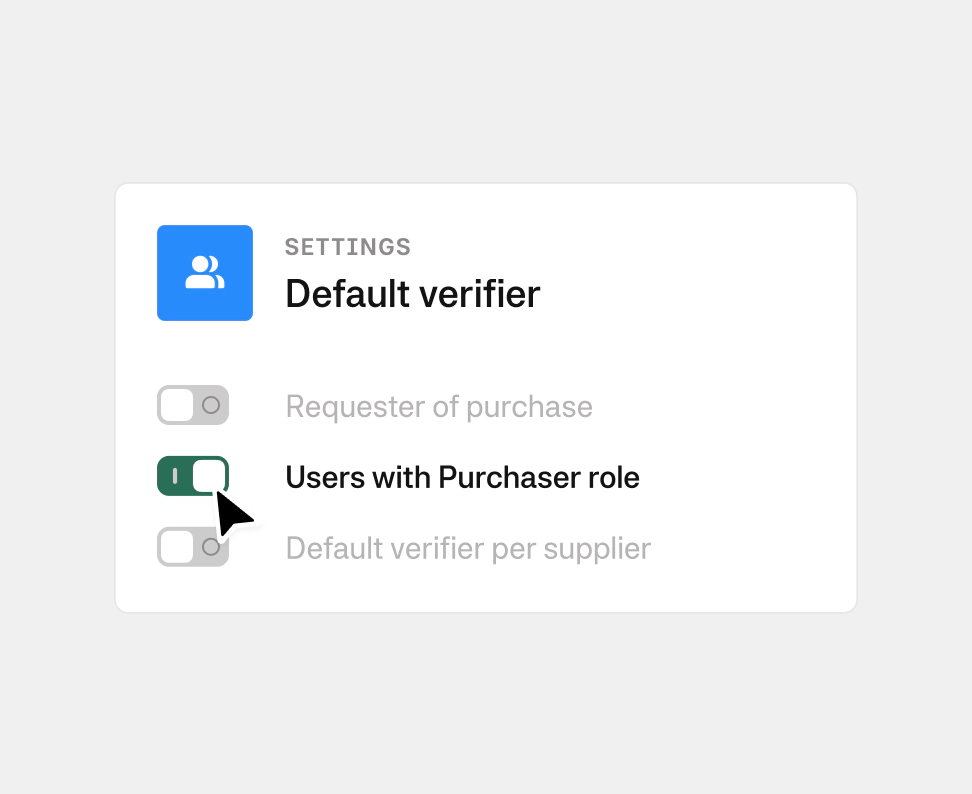
Default verifiers for deliveries
Keep delivery checks consistent without manual setup. Set default verifiers for purchase orders automatically include the right verifiers, from the requester to the users with the purchaser role or based on supplier settings. You can adjust the settings at any time, while maintaining full visibility across every order. Ensure accountability from the start and reduces missed confirmations during delivery.
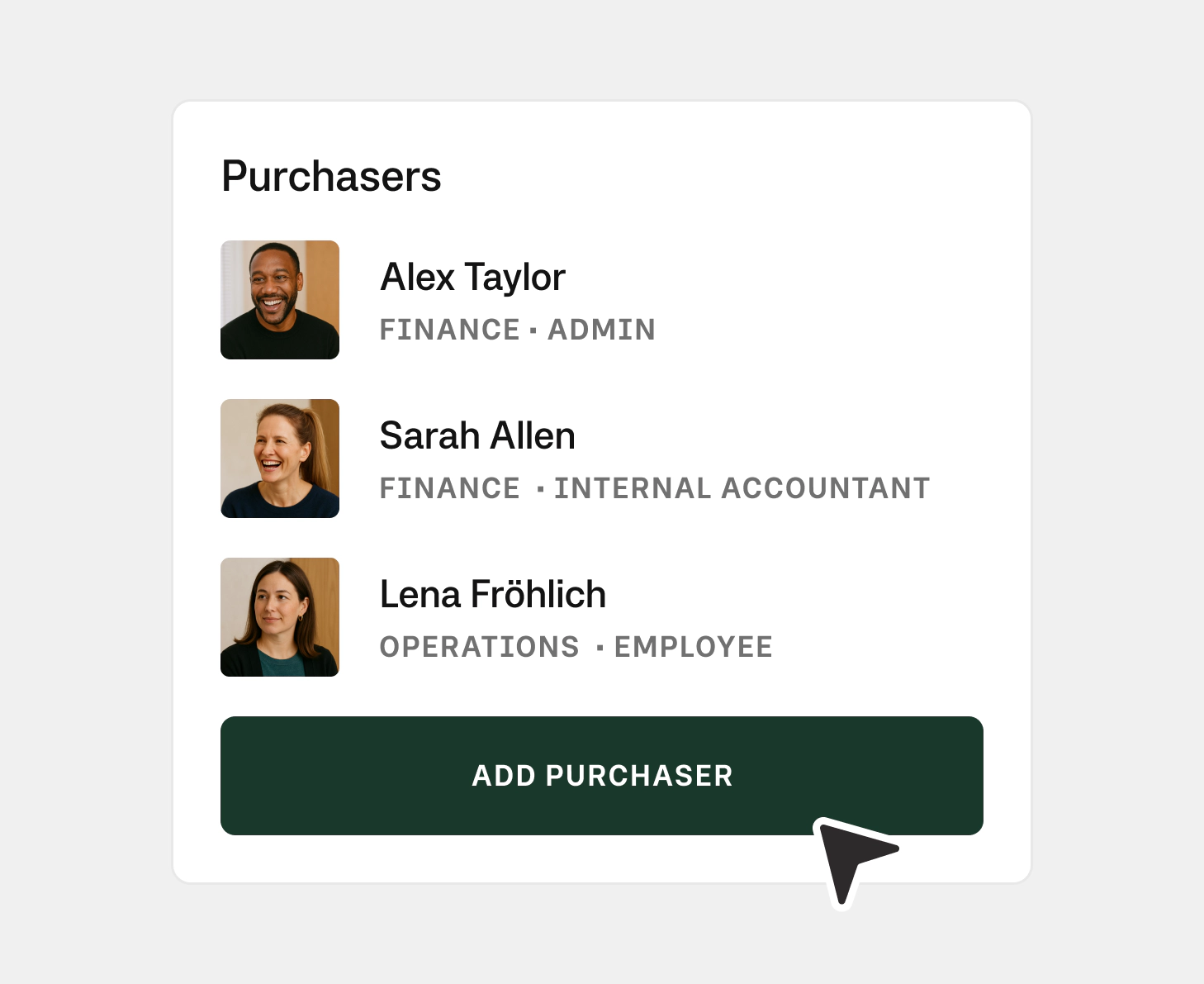
Role: Purchaser
Give the right people full access to purchase workflows. Admins and accountants can assign users as purchasers, with permission to view, edit, delete, and export all purchases within an entity.
HR field locks
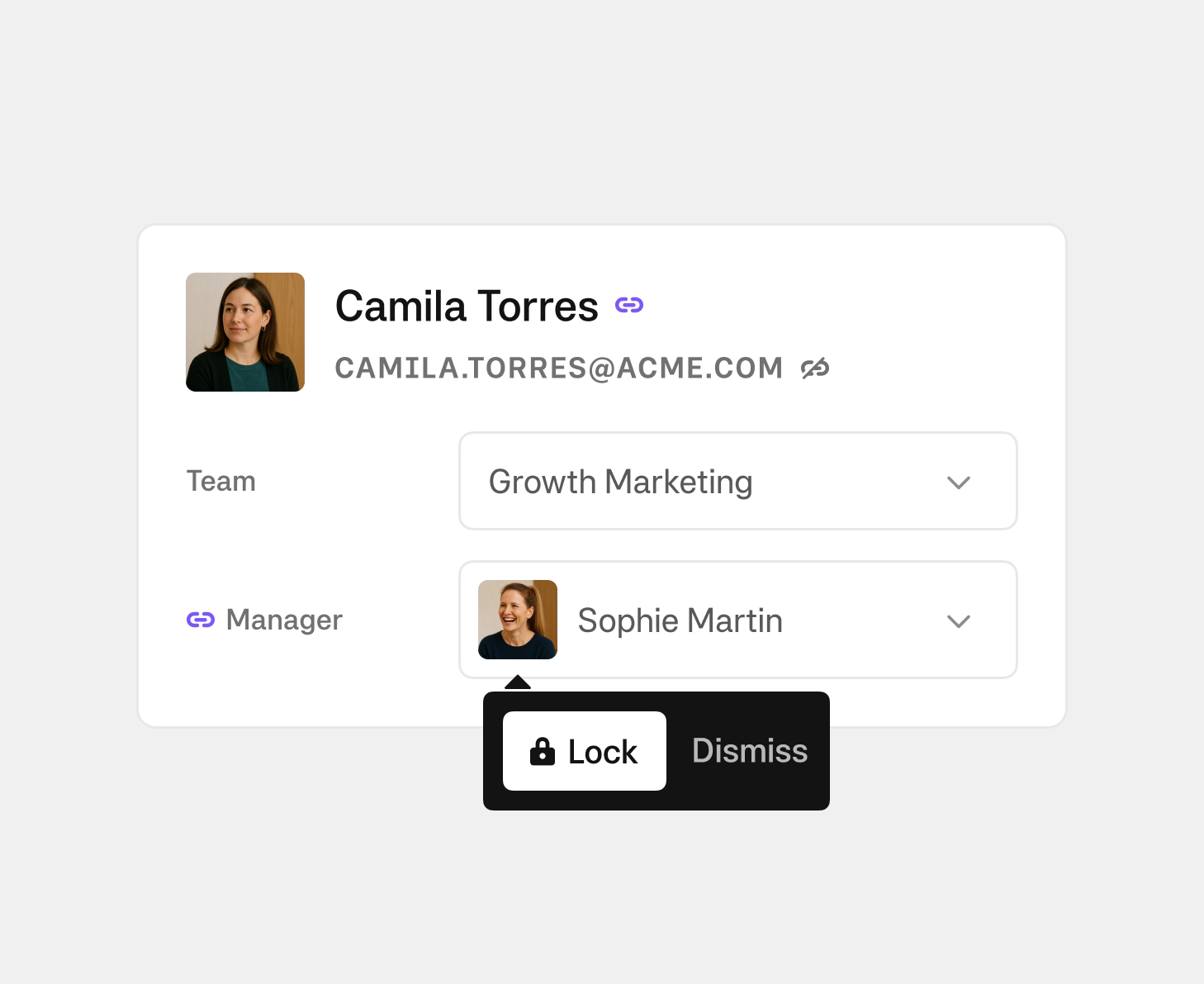
Keep user data aligned with your HR system automatically. Team, Department, and Manager fields are updated by HR sync by default, reducing outdated or inconsistent information. When exceptions are needed, admins can lock individual fields to prevent future overwrites while keeping all other HR data in sync.
Email suppliers in Moss
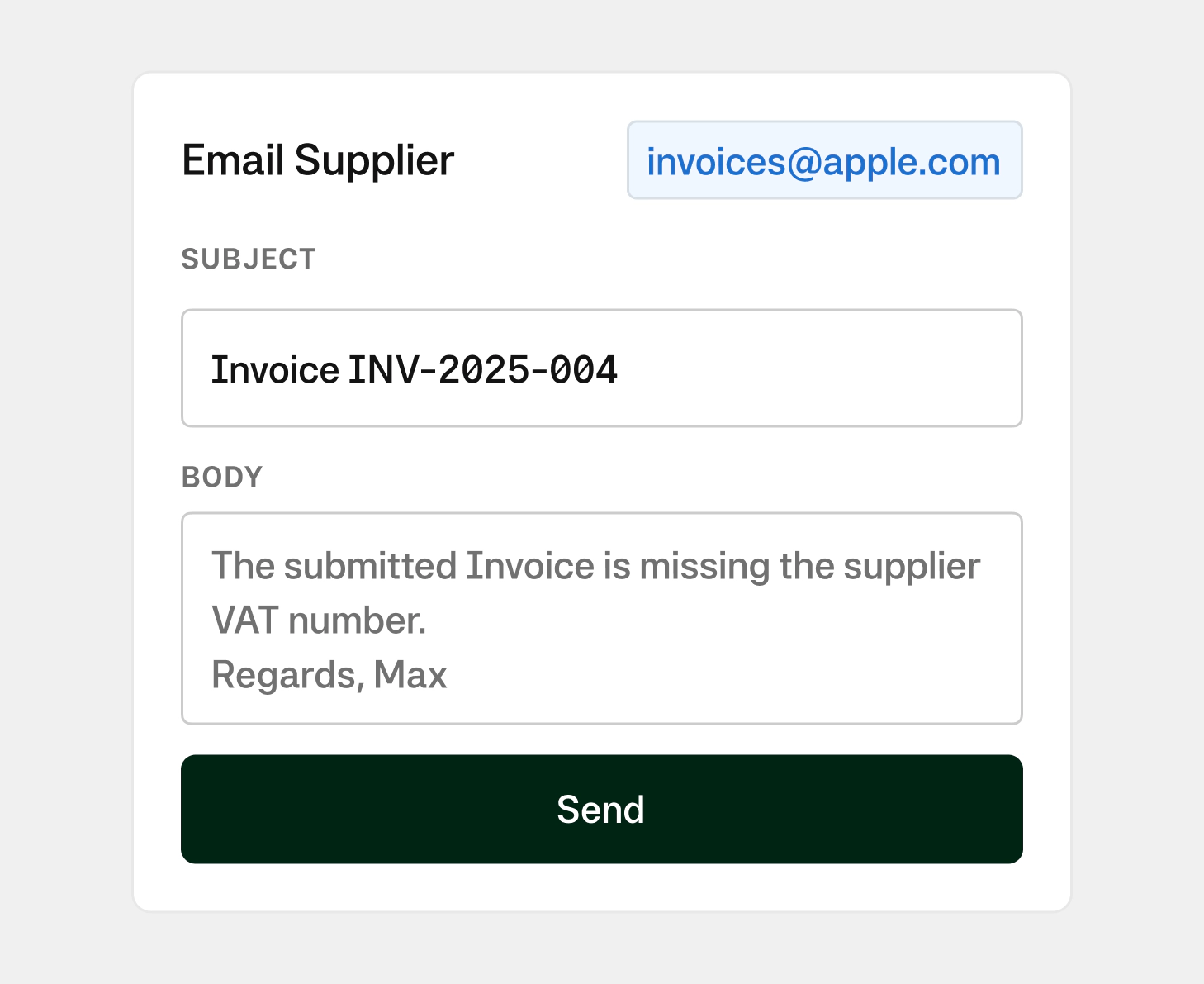
Send supplier emails directly where work happens. Share purchase orders, payment confirmations, and invoice queries without switching tools. Emails are logged automatically, keeping a clear audit trail across invoices, POs, and payments. Connect your shared inboxes, use templates, and manage supplier contacts in one place. Your team moves faster while keeping full control over communication.
Stay informed, stay ahead.
Sign up for our newsletter to hear first about our latest whitepapers, exclusive webinars, and product updates designed for finance leaders.
Capterra
4.8