Product Announcements
Discover our latest product updates & innovations.
Scheduled Data Transfers
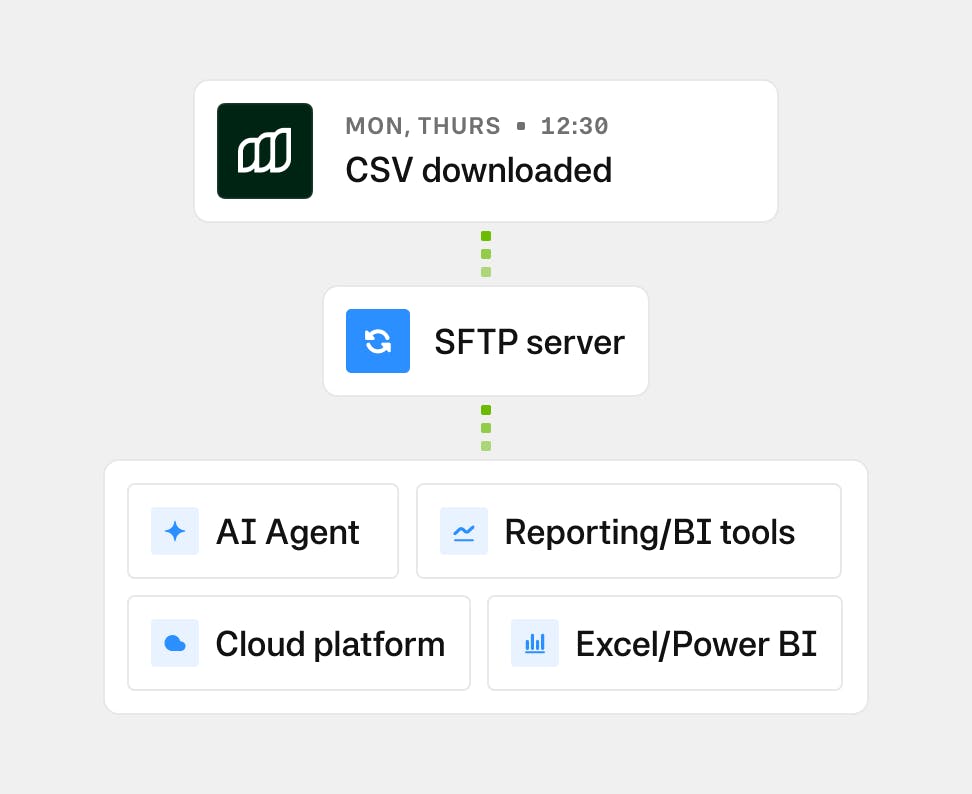
Automatically deliver Moss spend data, including transactions, reimbursements, purchase requests, and attachments, to your company’s SFTP server on a schedule you control. Choose the datasets you need, define how often they’re sent, and receive them in a secure, ready-to-use format for BI tools, ERPs, or document archives.
Payer role
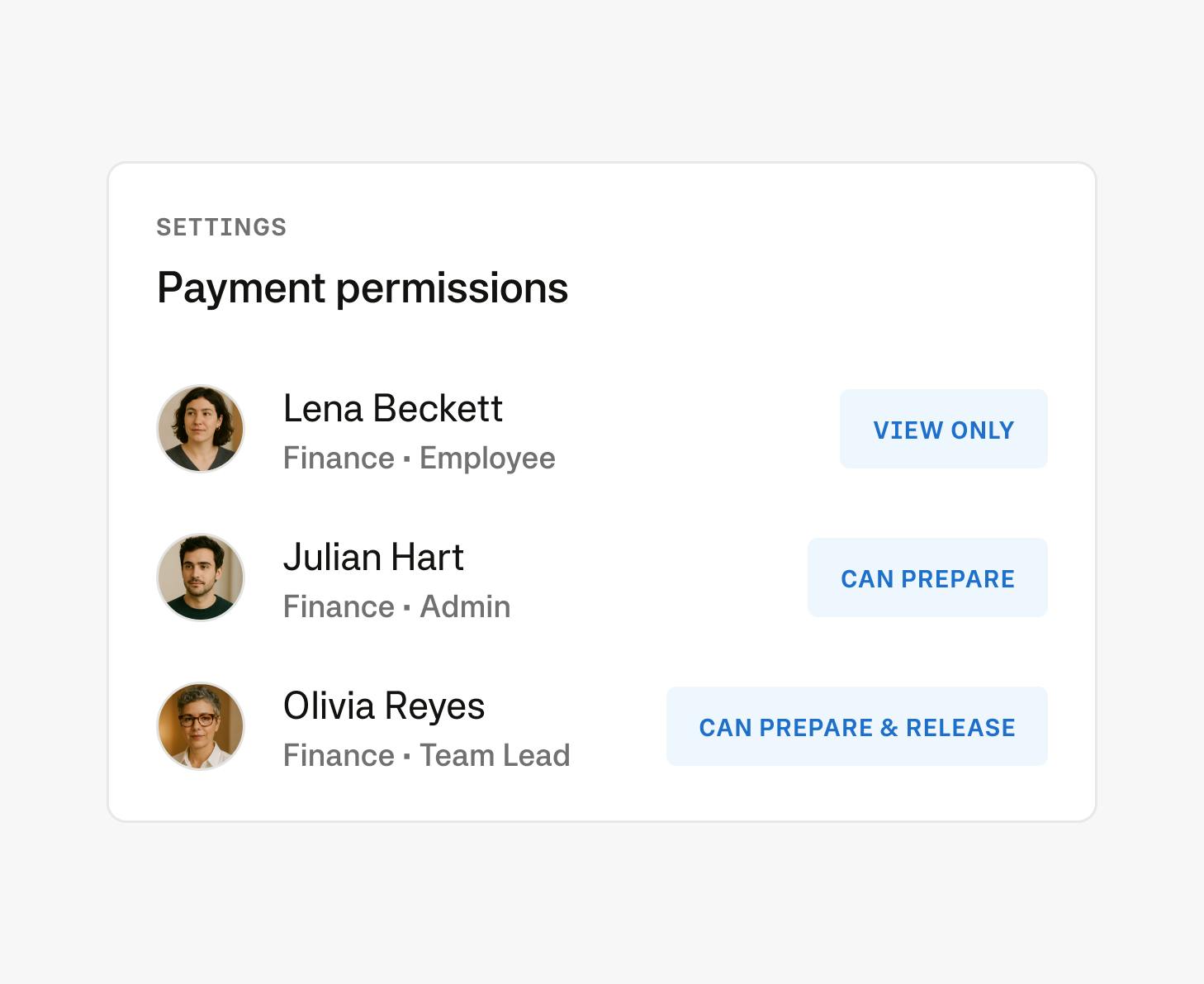
The payer role let admins assign payment-specific rights to users without granting full Admin access. This gives finance teams the ability to delegate payment tasks securely, allowing team members to prepare, edit, or release payments depending on their assigned permission level.
Payment scheduling
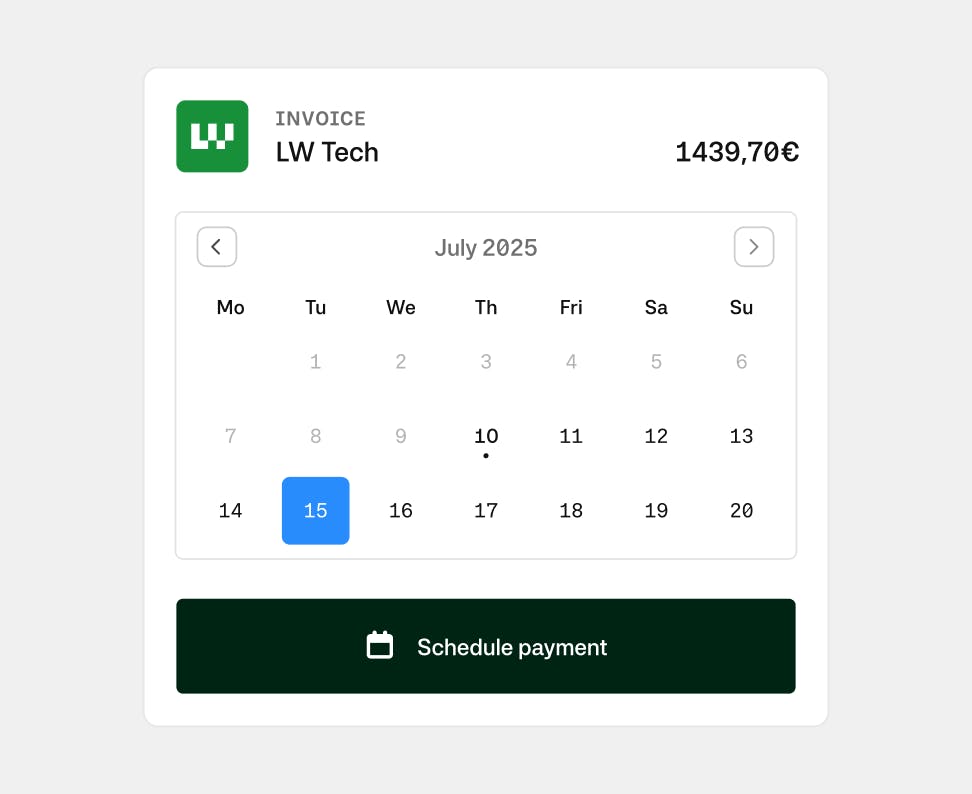
Schedule payments individually or in bulk, with execution dates automatically pre-filled based on invoice due dates. This gives you more freedom for how you prefer to work—approve now, pay later—while supporting internal cash flow policies and invoice terms. It reduces manual effort and minimizes dependence on external banking platforms, streamlining the payment workflow end to end.
All product announcements
Import purchase orders into Moss
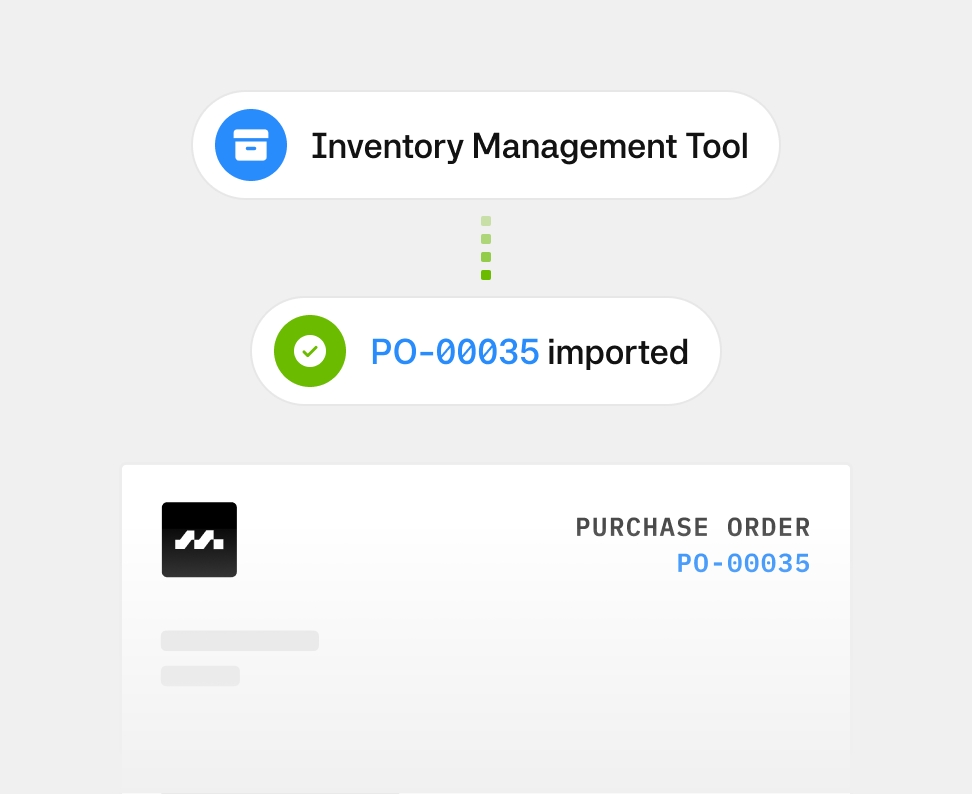
You can now import purchase orders created outside Moss. Send PO PDFs to your Moss inbox or upload them directly, and link invoices to approved POs without manual work.
Bulk editing invoice booking dates
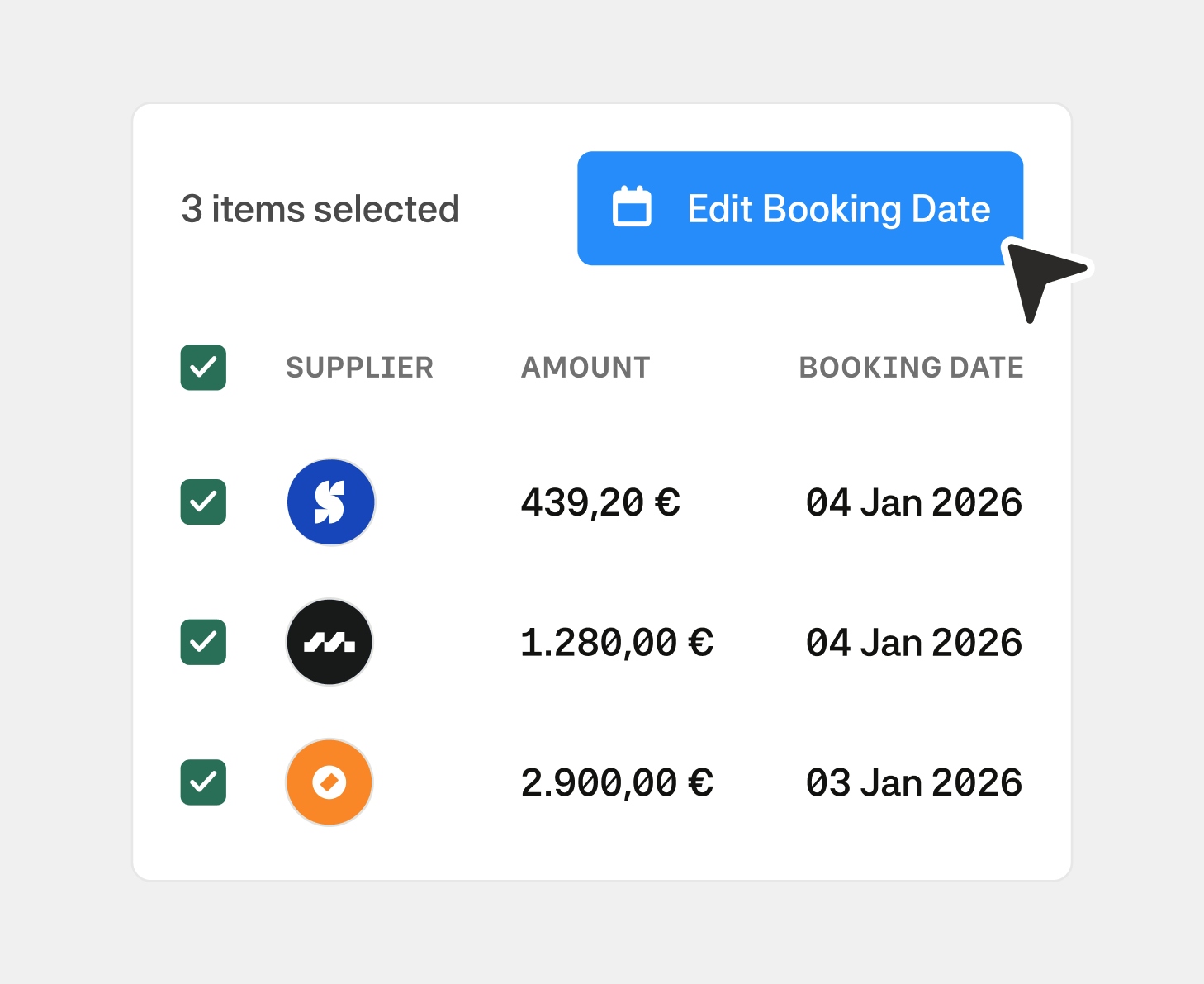
You can now bulk edit invoice booking dates across review, verify, and approve stages, making it faster to align invoices to the correct accounting period.
Goods Receipt Notes (GRN)
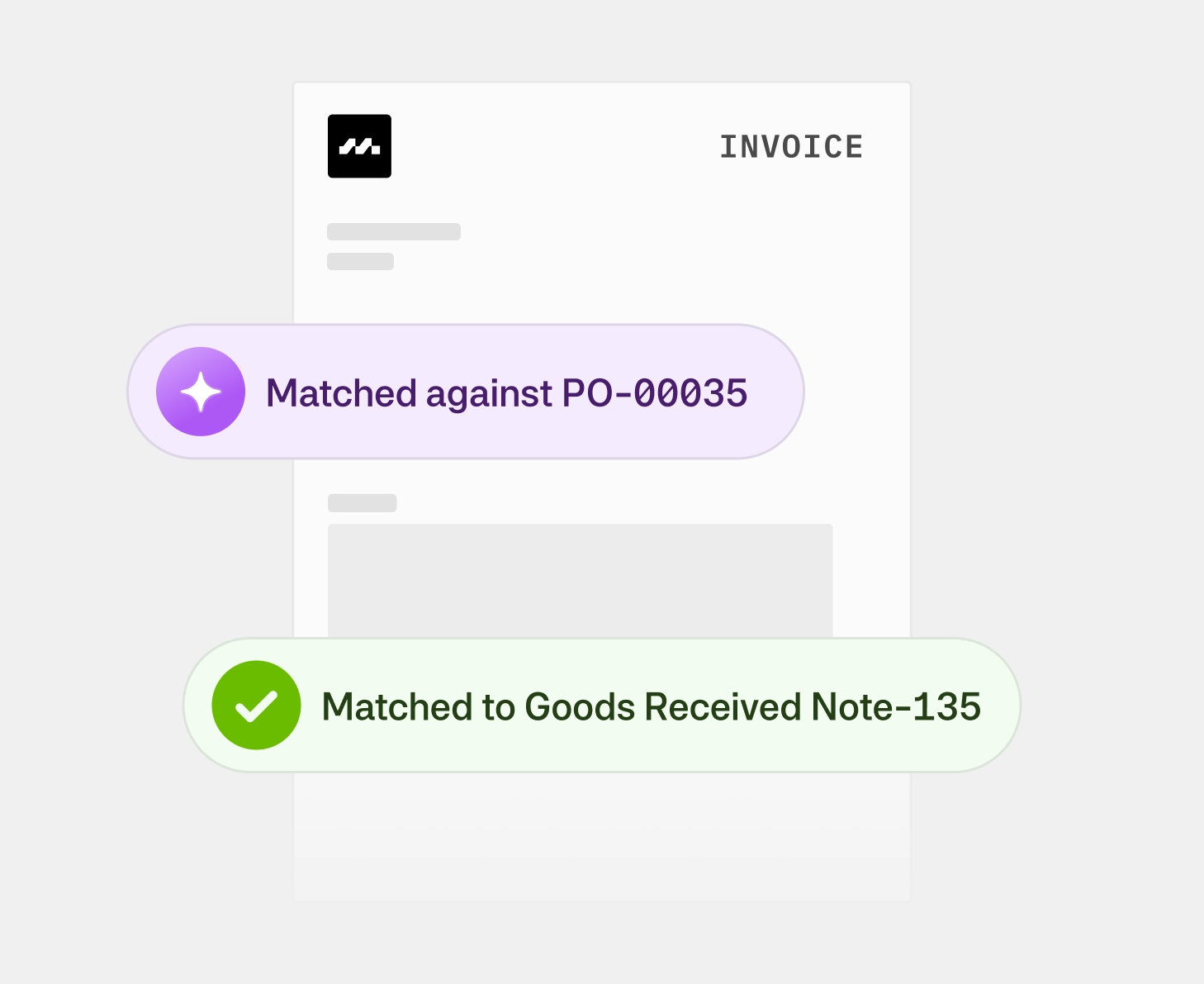
Moss now includes Goods Receipt Notes, allowing teams to formally confirm that goods or services have been received against a purchase order at the time of delivery. When an invoice is later linked to that PO, finance teams can immediately see the delivery status of the purchase order alongside the PO amount check, before releasing payment. This strengthens procure-to-pay workflows, reduces invoice approval delays, and lowers the risk of paying for undelivered spend
Enhanced integration with DATEV Rechnungswesen (ReWe)
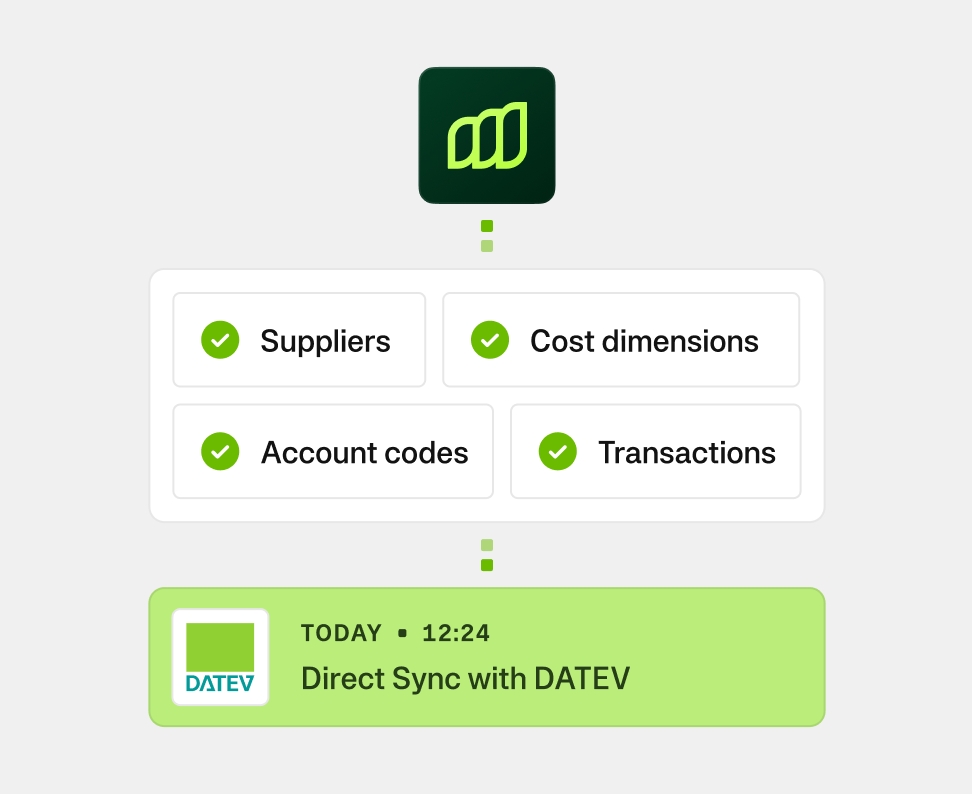
Moss now offers an enhanced integration with DATEV Rechnungswesen (ReWe). The integration provides two-way master data sync, including suppliers, account codes, tax rates and other accounting attributes. Also, direct posting of transactions into the ledger, and automatic linking of receipts and invoices at posting level. It also supports ARAP (pre-payment schedules) and Skonto handling, via a direct API connection to ReWe. The integration is DATEV approved and Belege Online certified. It improves data consistency in DATEV and reduces manual corrections as transaction volumes grow. Existing DATEV setups remain fully supported, and DATEV DUO can continue to be used for review.
Early payment discounts for CSV
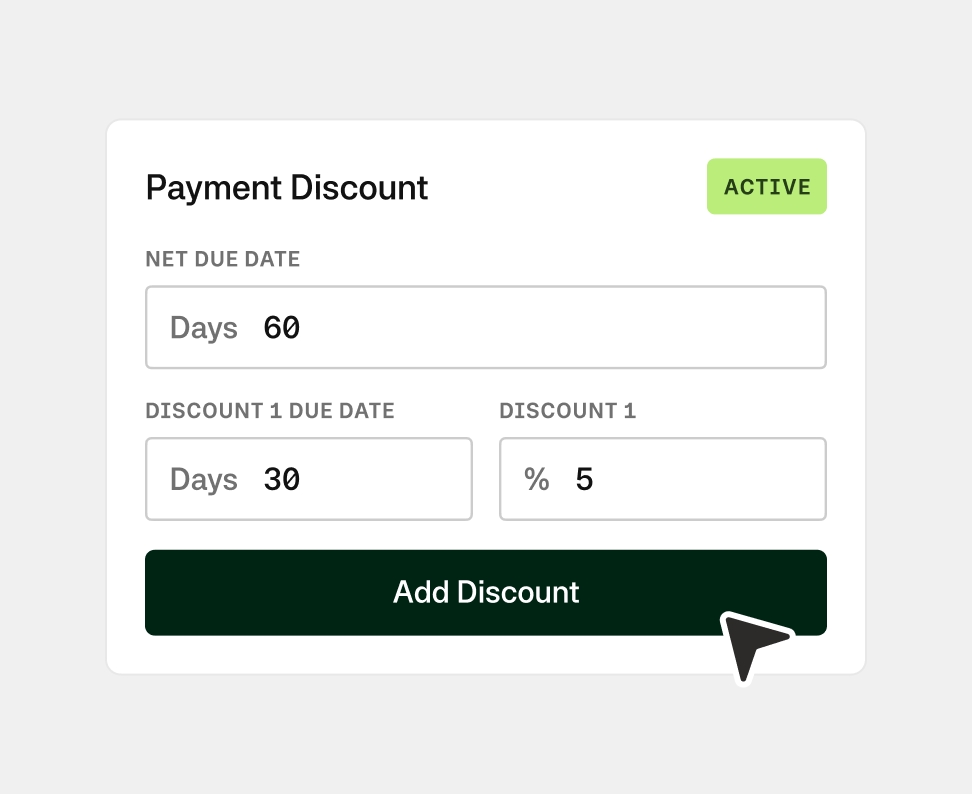
Add early payment discounts for suppliers or specific invoices to keep track of due dates and apply discounts appropriately. Ensure accurate export of payment information, streamlining the accounting process and maximising savings on early payments.
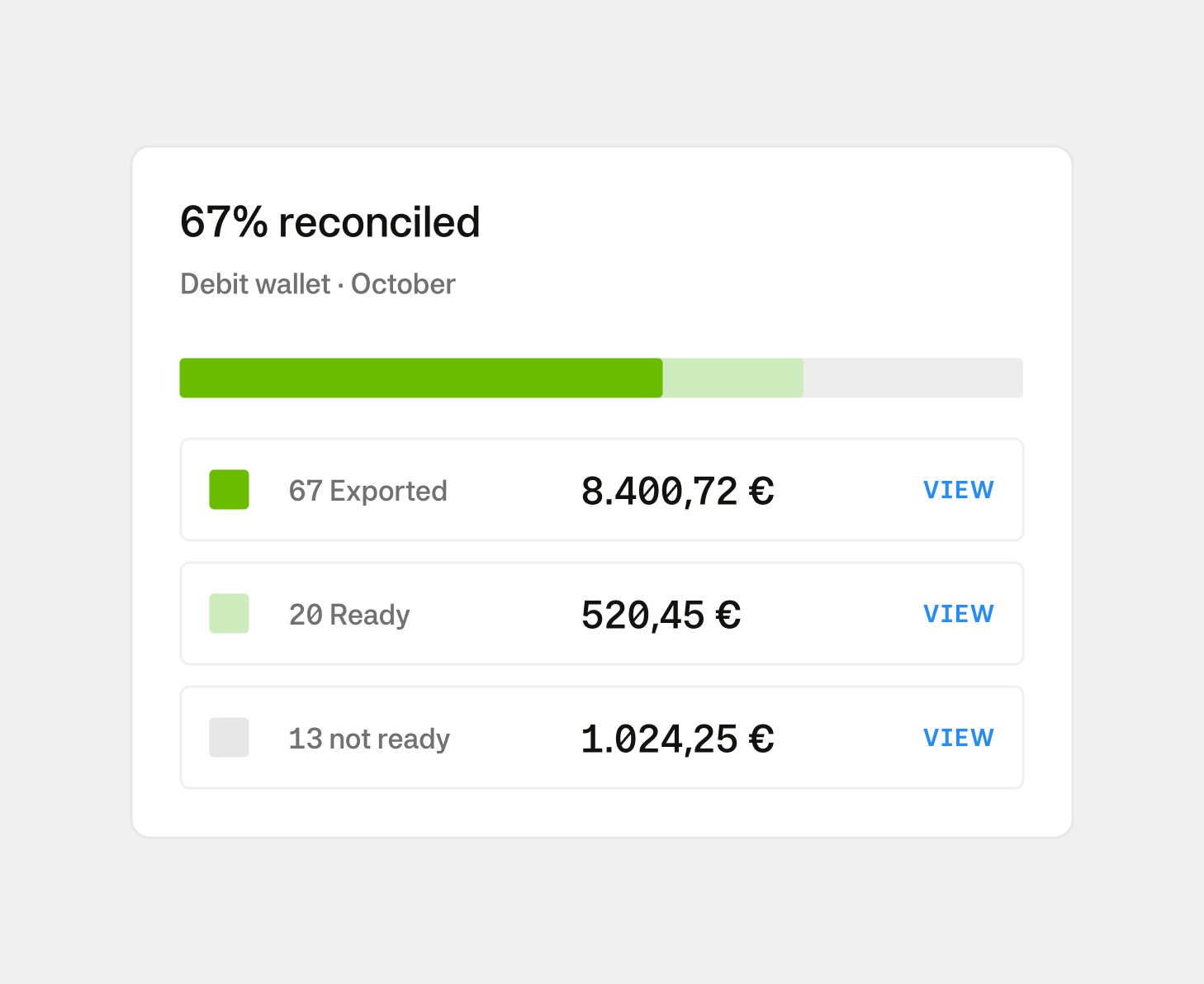
Moss balance reconciliation view
Moss now includes a reconciliation page that shows how your statement balance aligns with your accounting ledger. You can see what’s already been exported, what’s still being processed, and what needs action before export in a view for the selected period, designed to support cleaner reconciliations and a smoother month-end close.
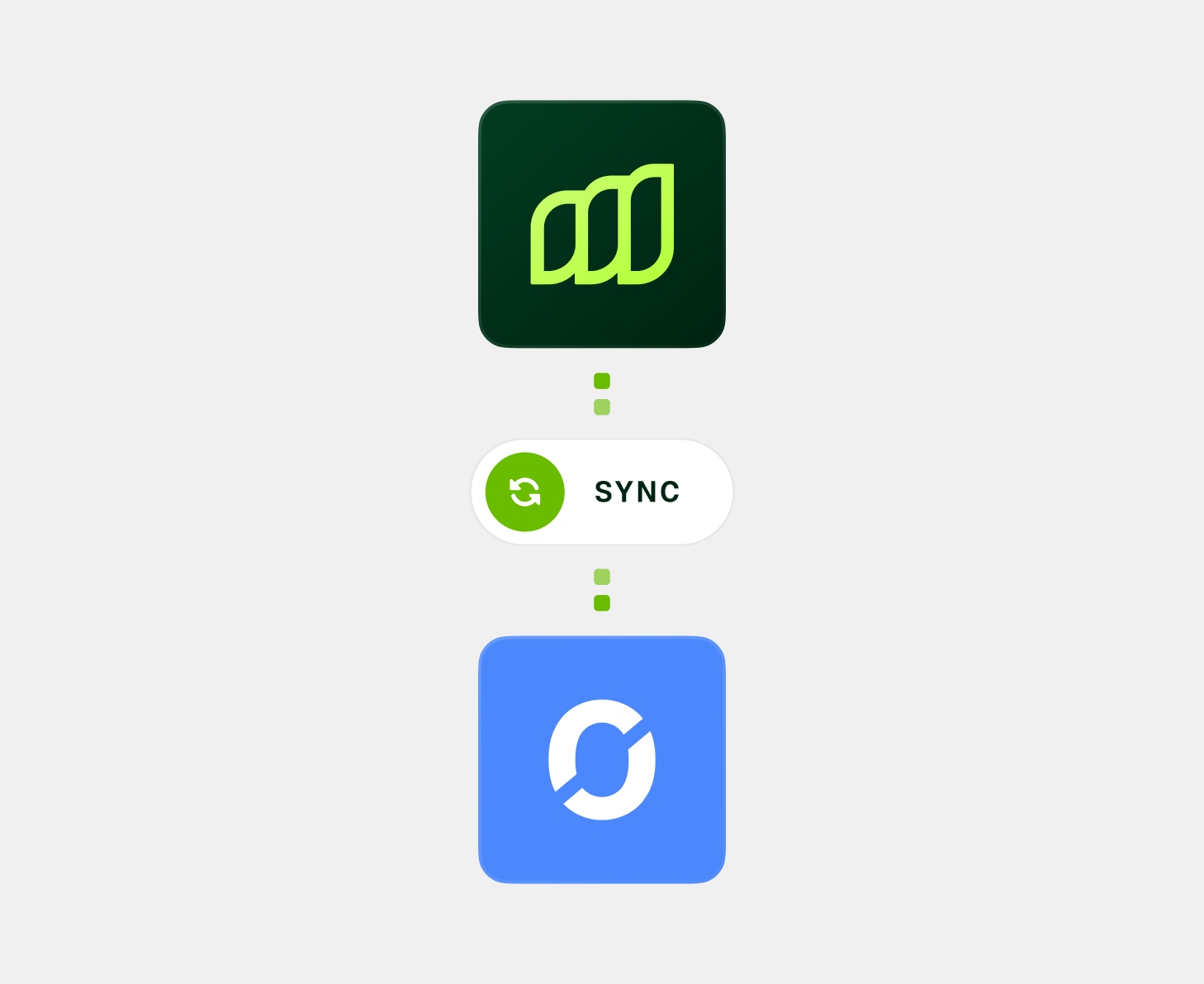
Poool integration for Moss card spend
Connect Moss card spend directly to Poool to track project-based costs with full visibility. Moss applies accounting attributes—such as project codes, cost centres, VAT, and receipts—directly to card transactions before they are sent to Poool. This allows teams to monitor spend by project in Poool with clean, consistent data from the start. From Poool, the same fully prepared transaction data can be forwarded to DATEV or other accounting tools, significantly reducing manual booking and clean-up in accounting. The integration is available for Moss Cards.
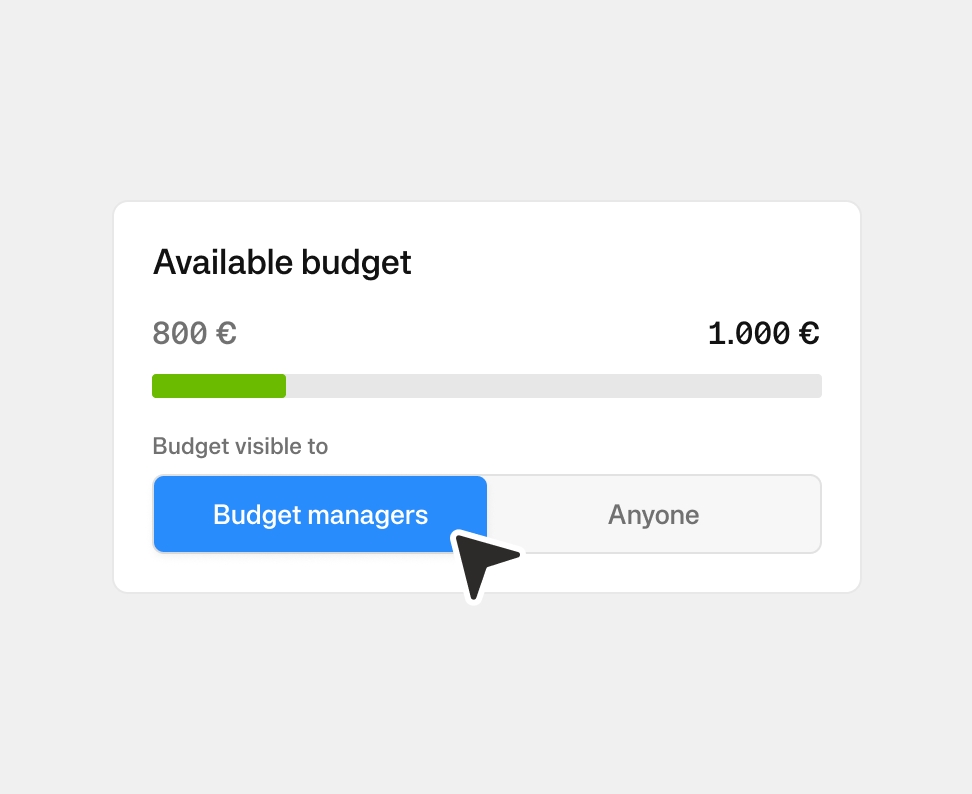
Budget visibility controls
Control who sees budget financial information on a per-budget basis. By default, new budgets are only visible to budget managers, their managers, admins, and accountants. For budgets where you want broader transparency, you can make them visible to everyone in the organization. This means employees can manage their own expenses without seeing confidential budget details from other departments, while budget owners maintain the visibility they need to control spend effectively.
Stay informed, stay ahead.
Sign up for our newsletter to hear first about our latest whitepapers, exclusive webinars, and product updates designed for finance leaders.
Capterra
4.8