Spend without friction.
Make payments, submit expenses, and request budget in seconds. Moss gives you a simple way to spend, with clear limits and no back-and-forth.


Trusted by finance teams at Europe's leading companies


Keep things simple.
Work shouldn’t slow you down.
Submitting expenses takes too long. Approvals are unclear. Payments get blocked or delayed. You don’t know what’s allowed or where your budget stands.

A simpler way to manage expenses
Moss makes payments, requests, and expense tracking fast and clear, so you can focus on your work, not admin.

Built for impact
How Moss helps Spending Teams

Fast, simple payments
Pay with physical or virtual cards, or request spend in seconds.

No more expense reports
Submit expenses and upload receipts directly from your phone, no web login required.

Clear rules and limits
Know exactly what you can spend and when approvals are needed.

No back-and-forth
Requests, approvals, and payments happen in one place, without chasing.
Everything in one place
Make payments, submit expenses, and request approvals in one system, with clear processes and no unnecessary admin.

No admin required
Pay with cards or submit expenses easily, all in one place.
Upload receipts in seconds, avoid manual reporting or spreadsheets, and track your transactions in real time.
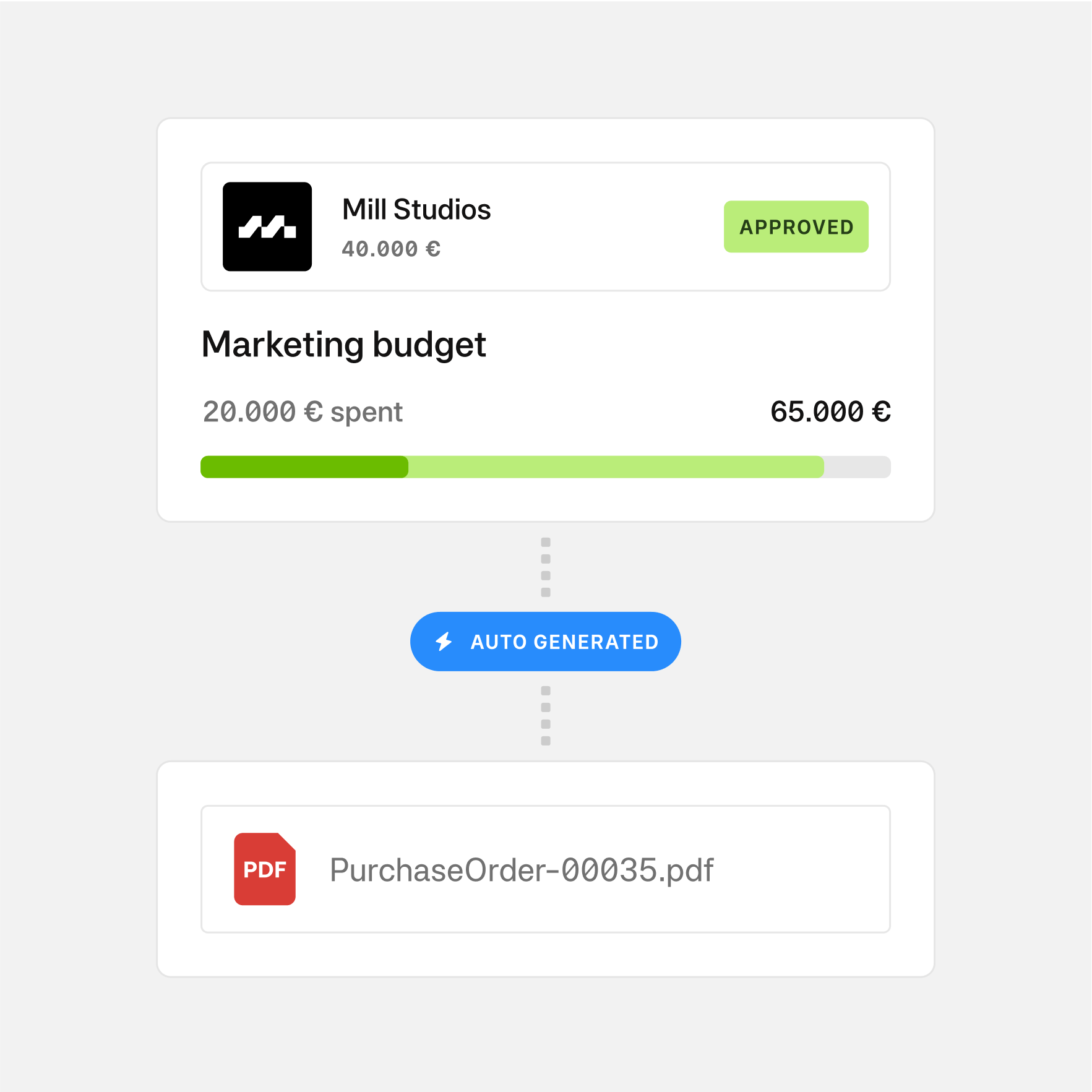
Request and get approved
Submit purchase requests easily and get approvals without chasing.
Track the status in real time and always know what’s approved and what’s pending.
Learn more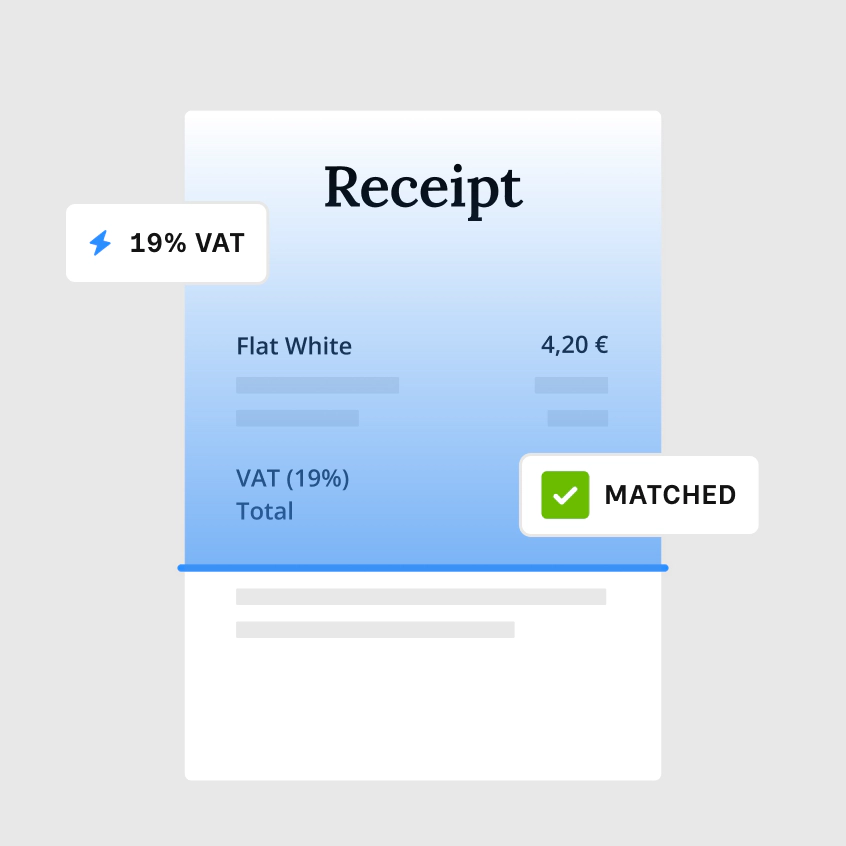
Stay on track
Submit expenses on time and make sure all receipts are complete.
Avoid follow-ups from finance and keep processes running smoothly for everyone.
Learn more
“As we’re growing it’s very important to watch the cost, to check what we’re spending and on what. Moss really helps us there because it ensures that all invoices and costs are transparent.”
FAQ
How do I submit expenses in Moss?
You can upload receipts directly via the app or web. Moss automatically captures the data and assigns it to the right transaction.
Can I use Moss cards for all payments?
Yes. You can use physical or virtual cards for most business expenses, with limits and controls set by your company.
Do I still need to create expense reports?
No. Moss removes the need for manual expense reports by linking receipts directly to transactions.
How do approvals work?
If approval is required, your request is automatically routed to the right person. You can track its status in real time.
How do I know what I’m allowed to spend?
Moss shows your limits and policies clearly, so you always know what’s allowed before you make a payment.