Export to Twinfield in one click
Moss generates Twinfield-ready CSV exports for card transactions, supplier invoices, reimbursements and payments. All data is coded correctly in Moss, so your team can import it into Twinfield without manual adjustments.


Save time on accounting
Reduce repetitive work and keep your bookkeeping clean and consistent.

Data you can rely on
Import your chart of accounts, suppliers, VAT rates and cost centres into Moss so all exports match your Twinfield setup.

Stay in control
Transactions and supporting documents are stored in Moss and exported under your control, giving you a transparent and traceable workflow for audits.
Trusted by finance teams at Europe's leading companies


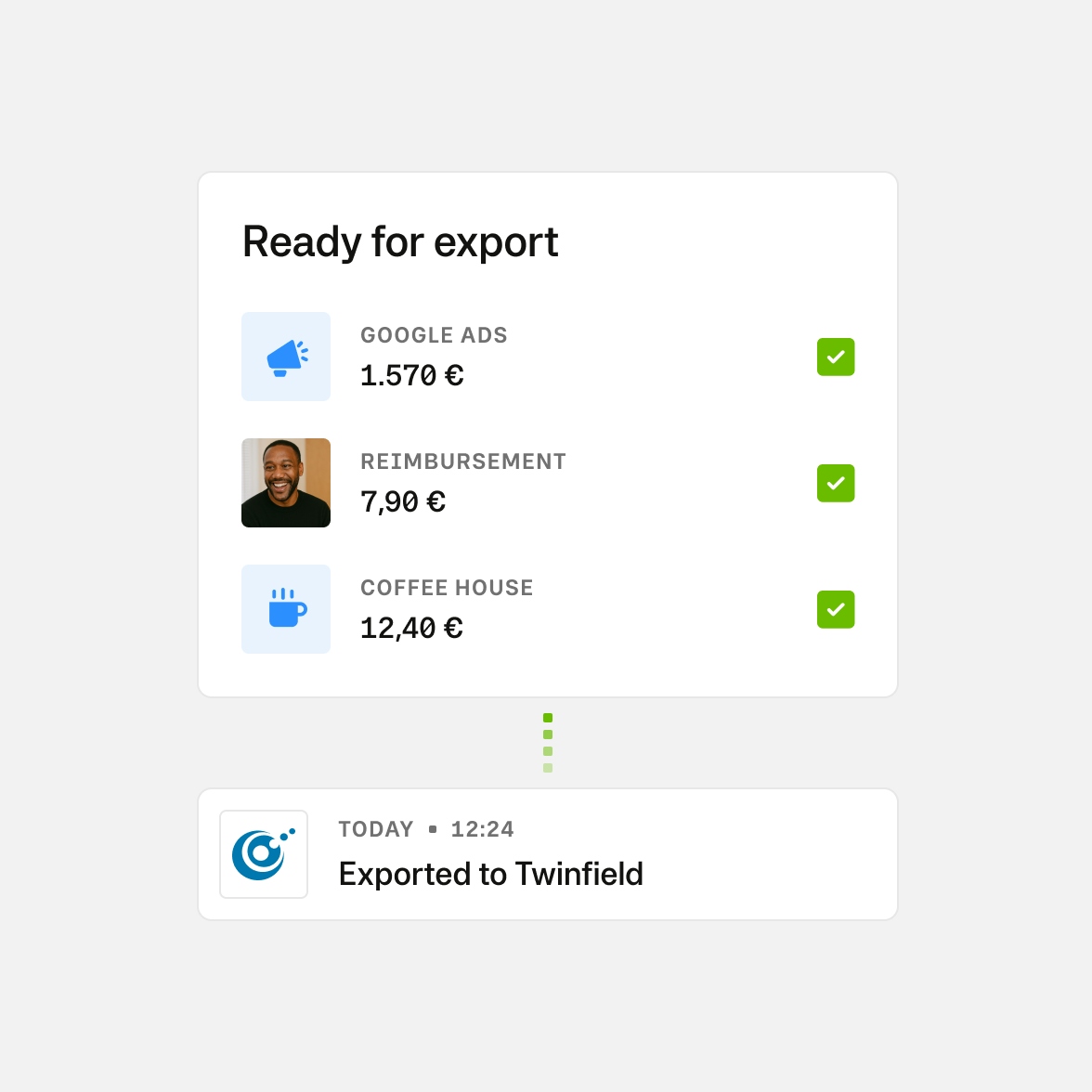
Simple setup, Twinfield-ready exports
Moss connects with Twinfield via CSV export. Once configured, Moss automatically formats your spend data using Twinfield-compatible templates.
- Configure your accounts matching your Twinfield setup
- Export card payments, supplier invoices, reimbursements and payments
- Use Moss’s pre-defined Twinfield CSV templates for purchase and bank entries
- Deliver CSVs manually or automatically via Scheduled Data Transfers (SFTP)
Pay as you grow
Our pricing model is unique—just like your business. Design your ideal package: start with a base like Corporate Cards, Employee Reimbursements, or Accounts Payable, enhance with add-ons like Advanced Accounting or ERP integrations, and upgrade to an integrated suite when you're ready.
Best-in-class customer service, mobile app, and all the financial integrations you need to start effectively managing your spend.
Maximise spend efficiency and control with unlimited cards, customisable limits, and automated receipt fetching.
Make submitting reimbursements quicker and easier through streamlined upload and approval, and employee payouts directly from Moss.
Streamline accounts payable flow with customisable review process, effective supplier and OCR based automation, and one-click payments.
Improve financial oversight through budget tracking, spend insights, and greater flexibility in your approval flows.
Simplify purchasing through real-time budget oversight and efficient handling of purchase requests.
Native integrations to your ERP system, including support for any controlling dimensions that your business uses.
Enhance your pre-accounting experience with AI based automation, project-specific tracking, or the setting of mandatory fields.
FAQ
What does the Moss + Twinfield integration do?
Moss prepares your company spend in the correct Twinfield CSV format so it can be imported cleanly as purchase and bank entries.
How does the setup work?
You follow a guided setup using Moss’s Twinfield templates. In Twinfield, you create the required structure (purchase journal, Moss balance account, default supplier and bank account). In Moss, you configure the matching accounts (balance account, cash-in-transit account and default supplier) and import your accounting attributes from Twinfield.
Which data is synced between Moss and Twinfield?
Moss exports spend data (card transactions, reimbursements, invoices, payments) as CSV. Master data such as expense accounts, suppliers, VAT rates and cost centres can be imported from Twinfield into Moss to ensure consistent mappings.
Does Moss support postings at the line-item level?
Yes. Moss applies the correct account codes, VAT rates, supplier information and cost centres to each line item before generating the CSV.
What options do you provide to handle document management?
Receipts, invoices and supplier documents stored in Moss can be exported alongside your spend data so they can be attached to entries once imported into Twinfield.
Is the integration included in my Moss plan?
Yes. The Twinfield CSV export workflow is included in all standard Moss plans at no additional cost.
G2
4.7
Experience modern spend management with Moss.