Integrate Moss with Xero
Sync company spend to Xero. Keep accounting records complete, accurate and up to date but without the manual effort.


Review, approve and sync spend data
Gain full visibility and control over every transaction. Custom approvals ensure spend is correct before it's synced to Xero - no duplicates or gaps.

Matched to your Xero setup
Moss mirrors your Xero chart of accounts, suppliers, tax rates and tracking categories so your accounting stays clean and consistent.

Accelerate your accounting process
From approvals to reconciliation, Moss helps your finance team close faster with fewer errors - and more confidence.
Trusted by finance teams at Europe's leading companies


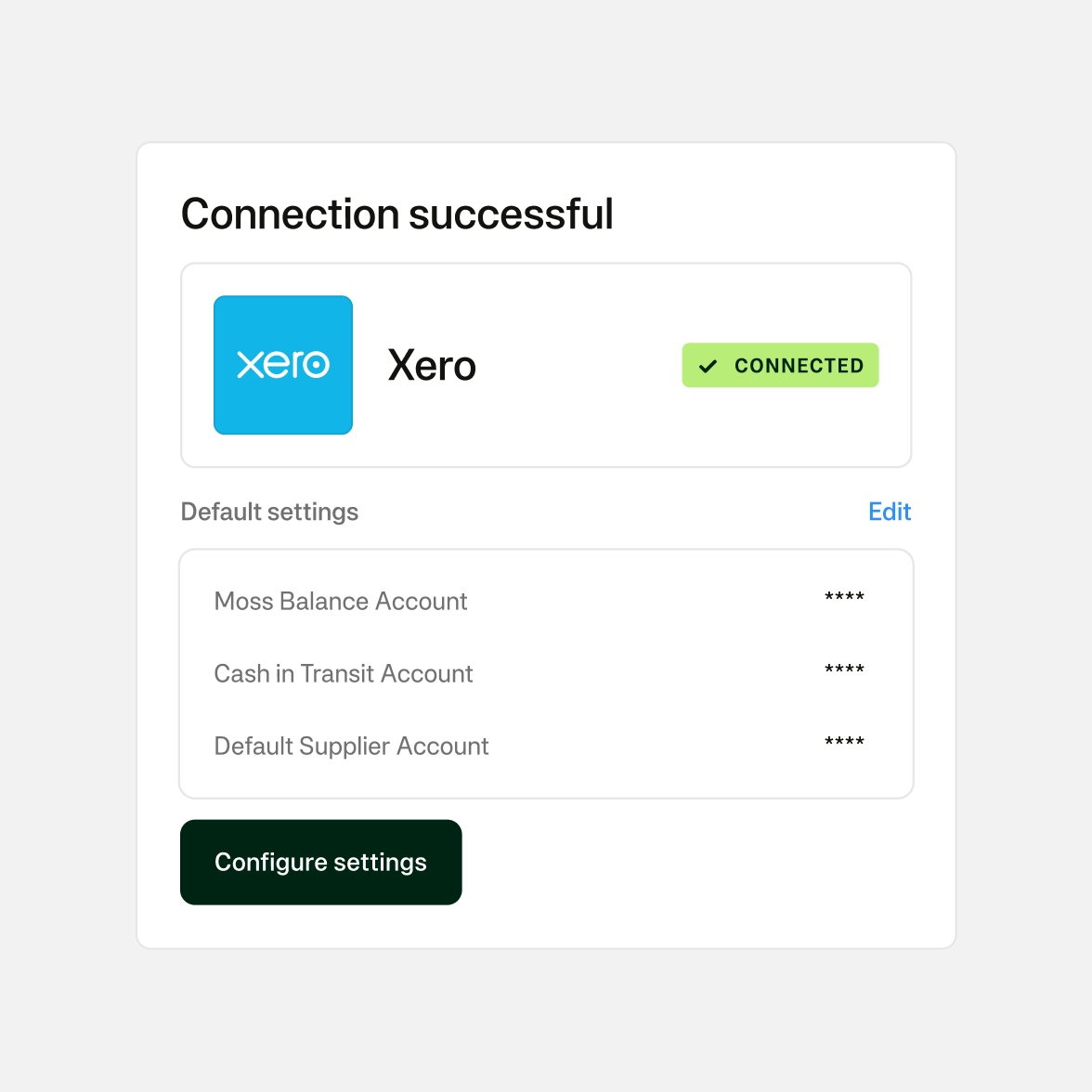
Connect in minutes
Connect Moss to Xero in just a few clicks. Import your chart of accounts, suppliers, tax rates and tracking categories automatically - with no manual mapping.
- Connect as a Xero-approved app
- Import your full accounting setup instantly
- Avoid configuration errors and CSV headaches
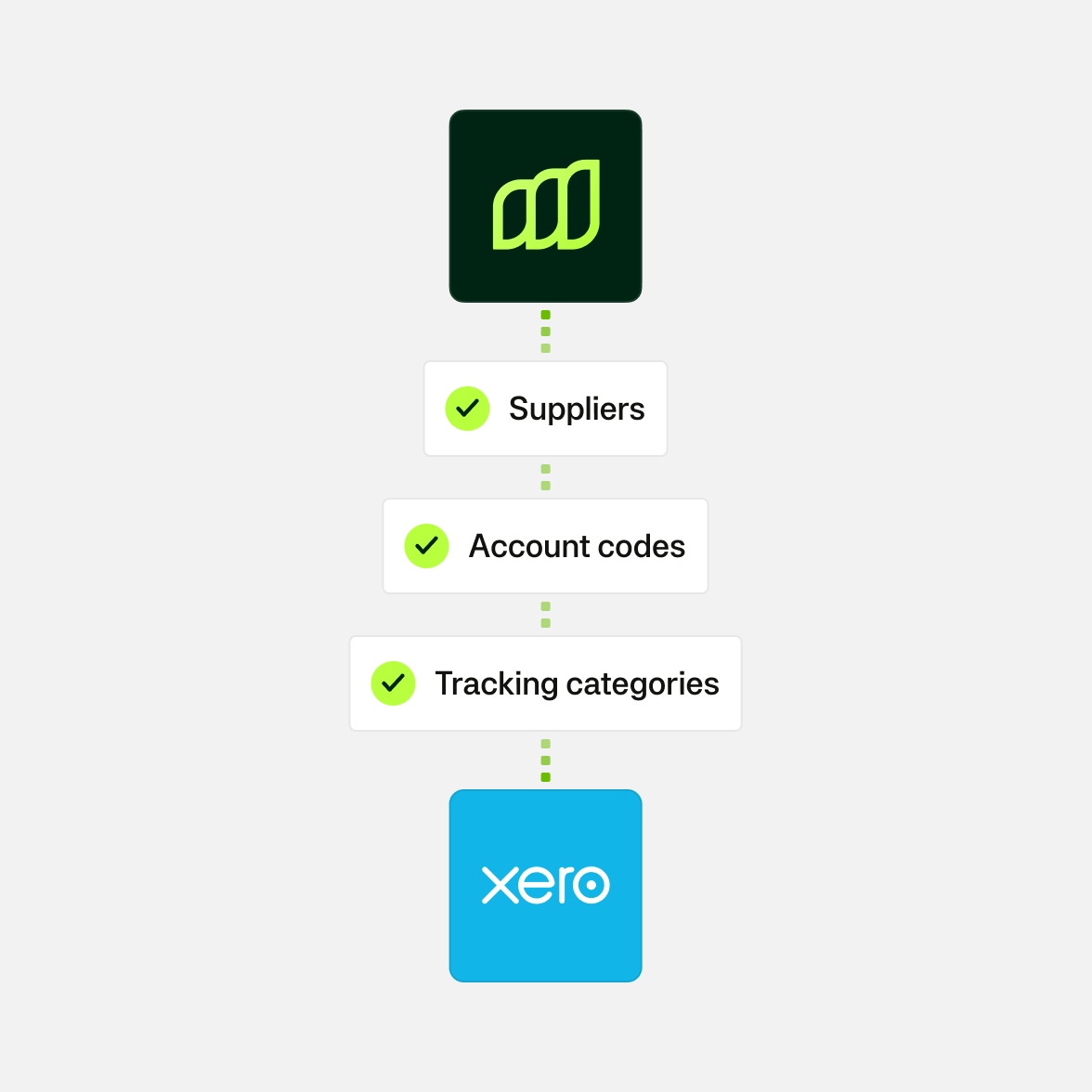
Stay aligned with your Xero setup
Moss syncs with your Xero configuration - including chart of accounts, tax rates and supplier records. Any changes you make in Xero are reflected in Moss.
- Keep coding and categorisation consistent
- Manage suppliers directly in Moss
- Sync multiple Xero organisations from one Moss account
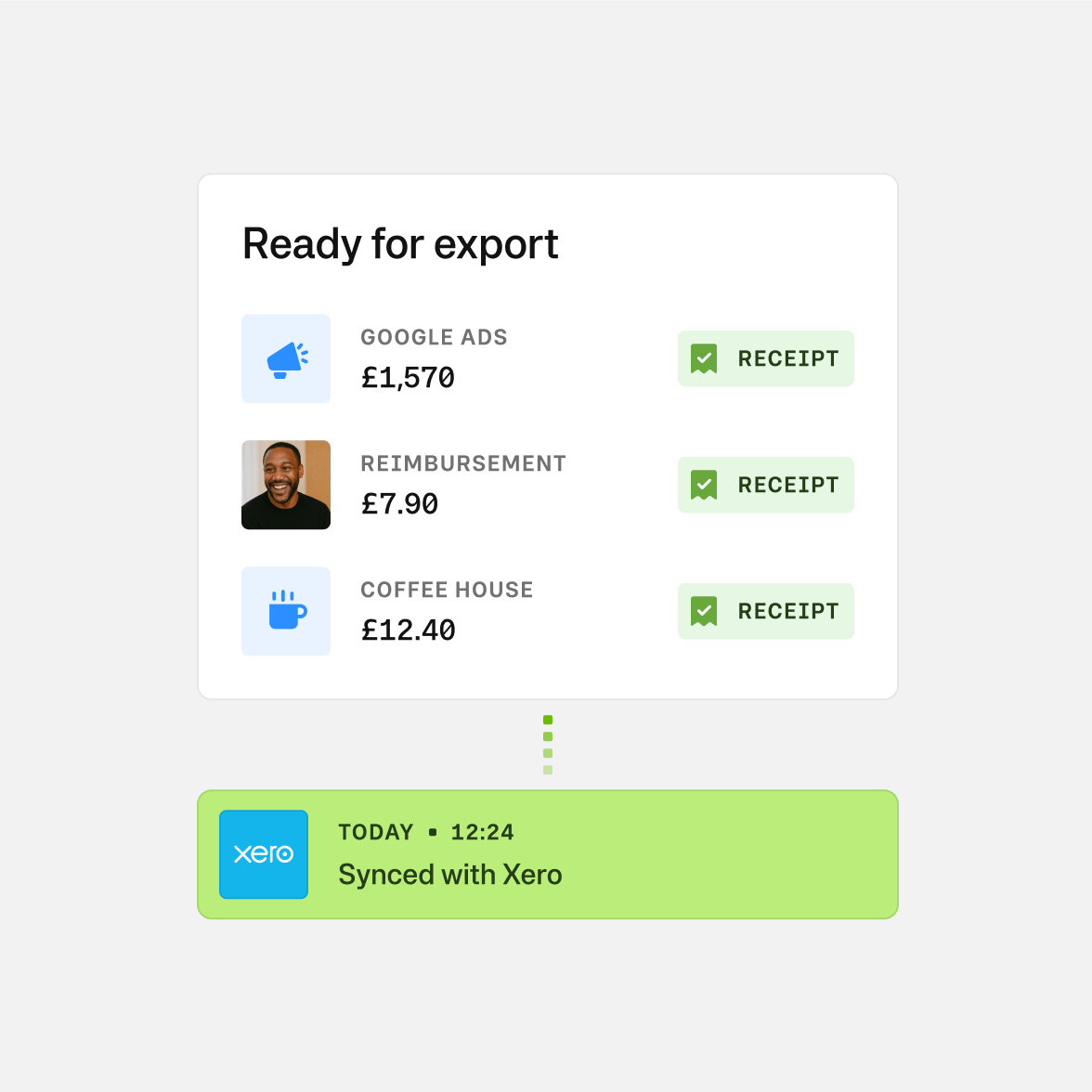
Accurate data, clean reconciliation
Review, approve and sync card payments, invoices and reimbursements. Moss automatically reconciles entries in Xero and updates payment statuses as things change.
- Sync all spend types, including top-ups and repayments
- Auto-reconciled transactions without touching the bank match screen
- Include audit trails and receipt attachments in every export
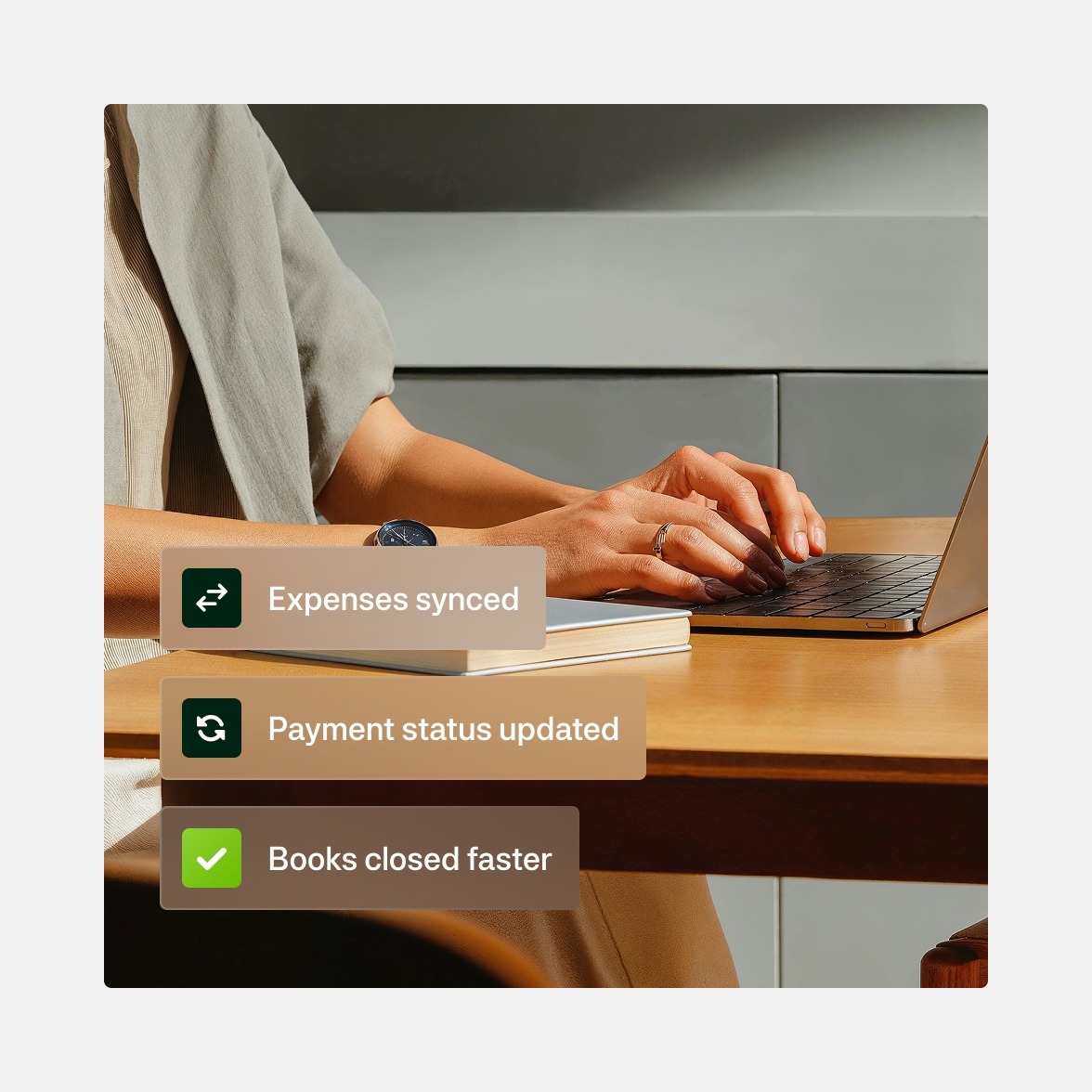
Automate the manual work
Moss adapts to your Xero configuration - including approval flows, mappings and multi-entity setups - so you stay in control.
- Custom approval flows by spend type
- Configure by entity, project or cost centre
- Automatic prepayment schedules and journal entries
Pay as you grow
Our pricing model is unique—just like your business. Design your ideal package: start with a base like Corporate Cards, Employee Reimbursements, or Accounts Payable, enhance with add-ons like Advanced Accounting or ERP integrations, and upgrade to an integrated suite when you're ready.
Best-in-class customer service, mobile app, and all the financial integrations you need to start effectively managing your spend.
Maximise spend efficiency and control with unlimited cards, customisable limits, and automated receipt fetching.
Make submitting reimbursements quicker and easier through streamlined upload and approval, and employee payouts directly from Moss.
Streamline accounts payable flow with customisable review process, effective supplier and OCR based automation, and one-click payments.
Improve financial oversight through budget tracking, spend insights, and greater flexibility in your approval flows.
Simplify purchasing through real-time budget oversight and efficient handling of purchase requests.
Native integrations to your ERP system, including support for any controlling dimensions that your business uses.
Enhance your pre-accounting experience with AI based automation, project-specific tracking, or the setting of mandatory fields.
FAQ
How does Moss connect with Xero?
Moss connects to Xero via a secure API integration using Xero’s approved OAuth process. Once connected, Moss can read and write data to your Xero account within the permissions you authorise — including syncing transactions and retrieving your existing chart of accounts, suppliers, tax rates and tracking categories.
What data is shared between Moss and Xero?
There are two types of data shared between Moss and Xero.
Transaction data synced from Moss to Xero: This includes approved card payments, supplier invoices, employee reimbursements and other spend-related transactions. These are sent to Xero when you choose to sync.
Master data shared between Xero and Moss: Moss regularly pulls your Xero chart of accounts, suppliers, tax codes and tracking categories. This ensures that transactions in Moss are coded and categorised according to your current Xero setup.
You can also create or update suppliers in Moss and sync them back to Xero as needed.
Is the integration customisable?
Yes, Moss is configurable to match your existing Xero setup. You can map your spend categories, approval flows and tracking fields to your Xero configuration — including account codes, supplier records, VAT rates and project categories. Whether you operate a single entity or multiple subsidiaries, Moss adapts to your accounting structure.
How often does Moss sync with Xero?
You control when transaction data is synced from Moss to Xero — this happens on demand, after transactions are reviewed and approved. Moss also performs a master data sync with Xero to keep your chart of accounts, supplier lists, tax rates and tracking categories up to date.
Can I connect more than one Xero organisation?
Yes. Moss supports multiple Xero organisations, so you can manage and sync spend across different entities from one centralised Moss account.
Is the integration secure?
Yes. All data is transferred securely via encrypted channels, and Moss uses Xero’s OAuth-based authentication to establish connections. The integration only accesses the specific data required for syncing, and all activity is logged for compliance and audit purposes.
Is the Xero integration included in my Moss plan?
Yes. The Xero integration is included in all standard Moss plans at no additional cost.
G2
4.7
Experience modern spend management with Moss.