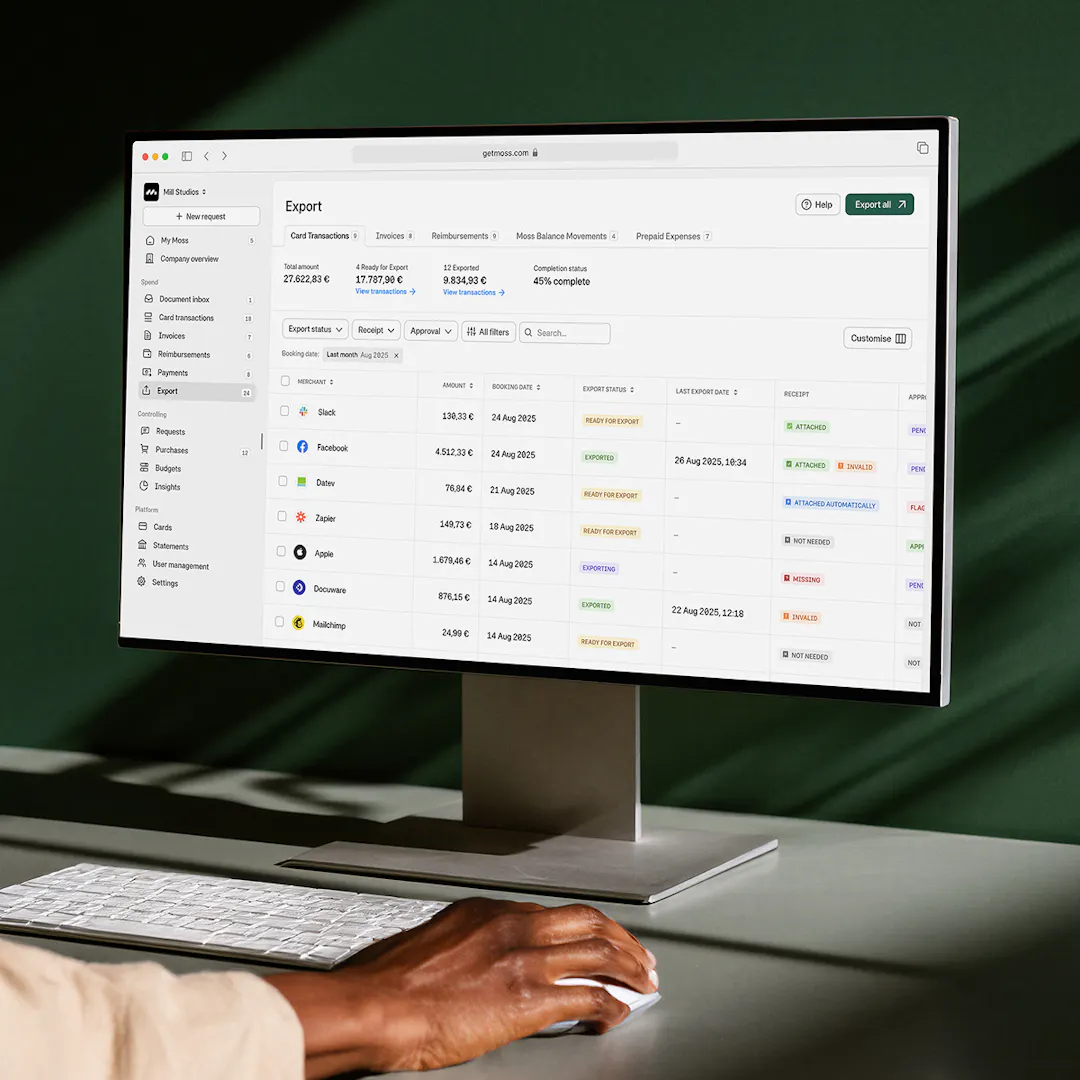
Prepaid business cards, pre-funded for total spend control
Top up your Moss account, instantly issue cards and set custom limits before a single penny is spent. No confusion about who made which transaction.


Set strict card spend limits
Create physical or virtual cards with custom limits. Prevent overspend across projects, teams, merchants, and more.

Issue cards in seconds
No waiting for physical delivery. Create a virtual card, set the limits, and your team can spend from their phone immediately.

Save time with accounting automation
Card spend is pre-coded and can be synced directly to your accounting system - ready for close.
Trusted by finance teams at Europe's leading companies


Control at scale with prepaid business cards
Create prepaid physical or virtual cards in seconds, set flexible limits, collect receipts automatically, and track spend in real time — all with full mobile readiness and accounting built in.
Issue cards for global purchases
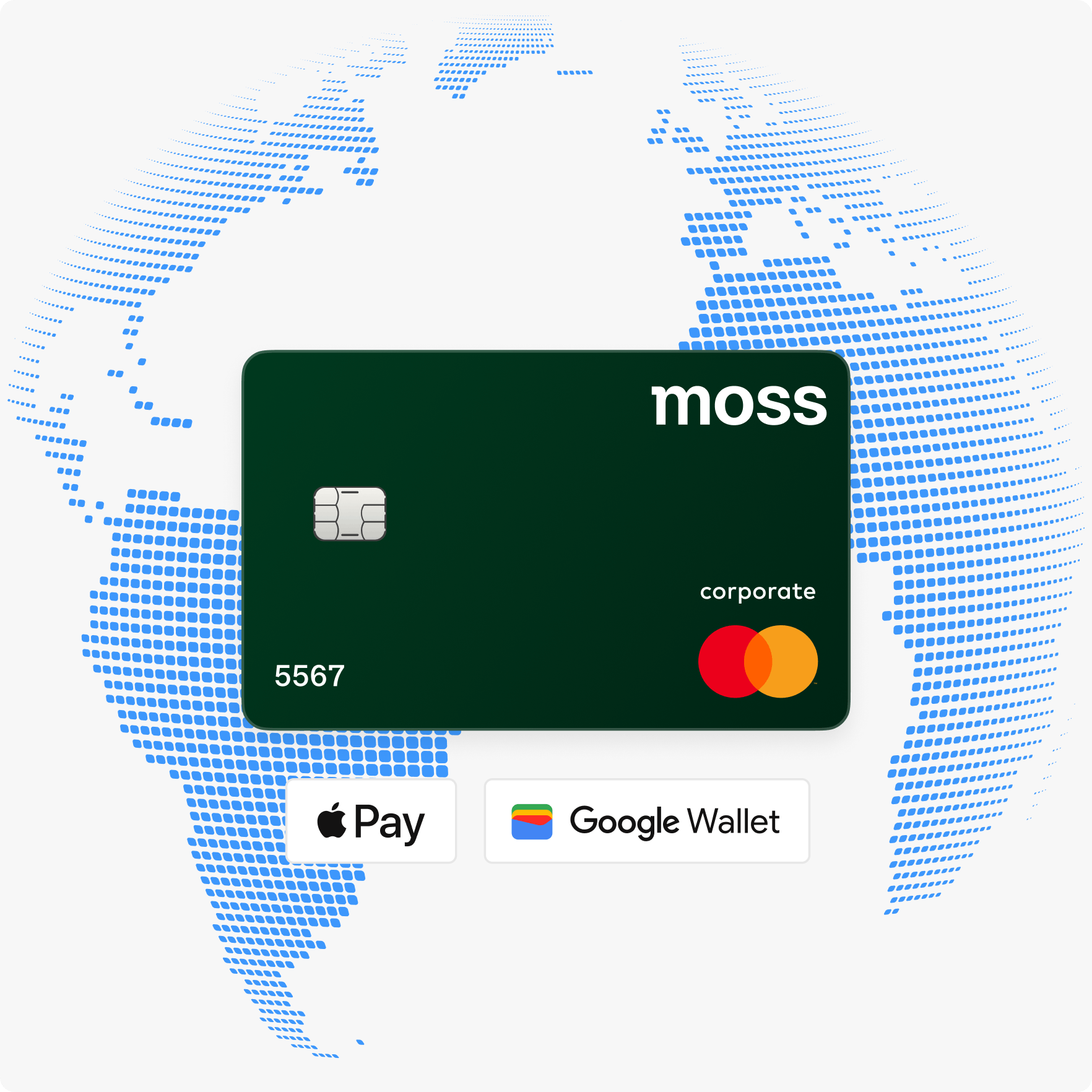
Put money in your Moss account, issue virtual cards instantly, and your team can start spending right away. From their phone, online, or in-store. No physical card to wait for, and no admin back-and-forth.
- Issue unlimited cards, no per-card or per-user fees
- Spend immediately via Apple Pay or Google Wallet
- Accepted worldwide on the Mastercard network, including hotel holds and car rentals
Set custom card budget limits
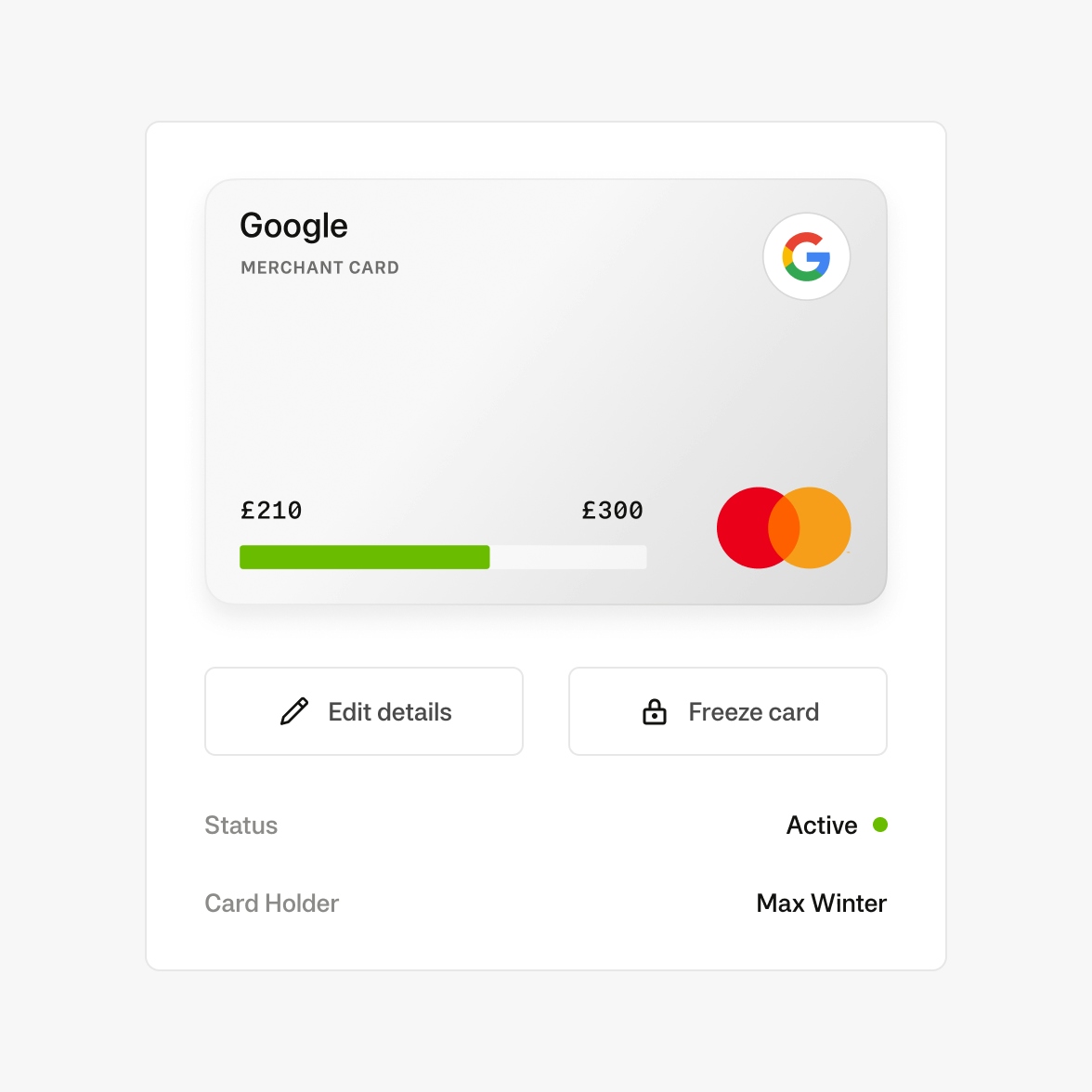
Set spending rules for every card. Control where, when, and how much can be spent. Policies are enforced automatically at the point of purchase.
- Weekly, monthly, or yearly limits per card
- Per-transaction caps alongside period limits
- Block merchant categories by card: alcohol, clothing, entertainment
- Time and date restrictions per card
- Freeze or deactivate any card from your dashboard
Auto-push reminders for receipts
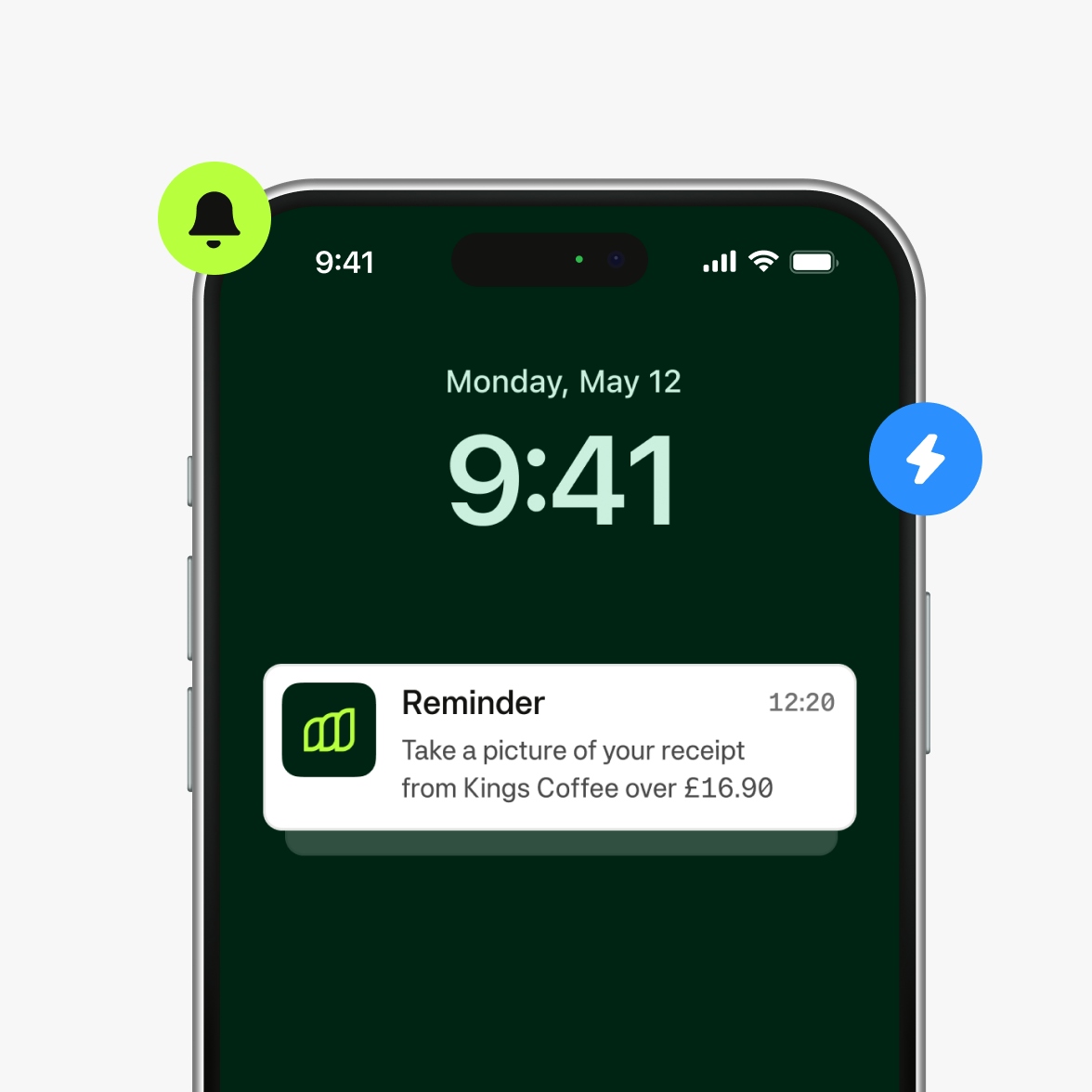
End tedious receipt chasing. Moss reminds spenders to submit receipts, and automates the collection via Receipt Finder from integrations like Gmail and Outlook.
- Instant transaction notification with a one-tap receipt upload prompt
- In-app receipt scanner
- Block card use for spenders with overdue receipts
- See all missing receipts for each card
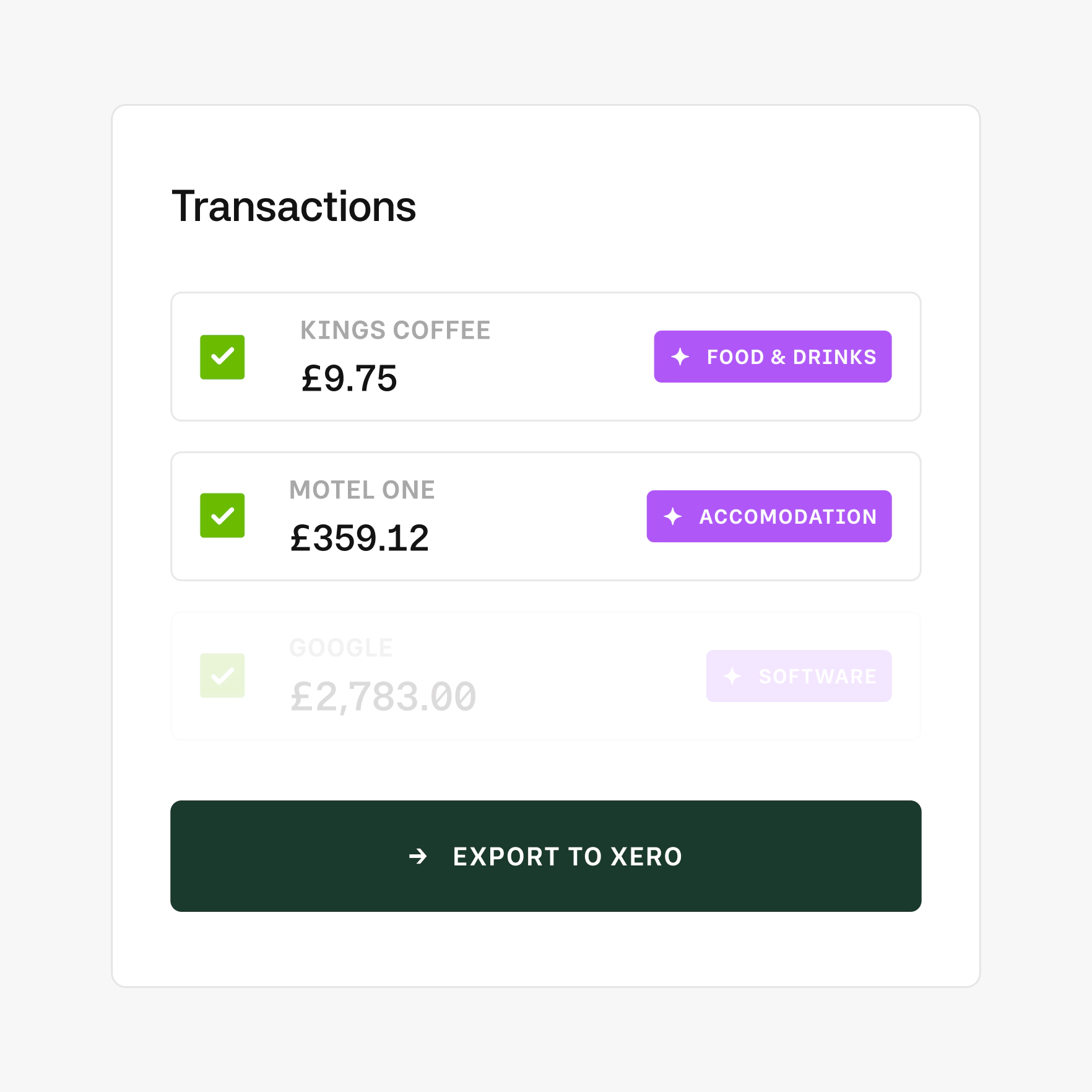
Auto-codes transactions to sync with your ERP
Simplify your day-to-day accounting and enter month-end with complete confidence. Moss integrates with your existing accounting software or ERP, ensuring that your spend data is always up-to-date and error free.
- Automated sync for expense accounts, VAT rates, and more
- OCR and AI-based spend categorisation
- Export all payment and purchase data to your general ledger
Our platform fits seamlessly into your stack
Deep connections
Integrations
Xero - two-way sync
QuickBooks - native connection
Exact - two-way sync
Sage 50/200 - CSV/SFTP bespoke export formats
REST API access - open API for custom workflows
Gmail and Outlook - extracts receipts from your inbox
more connections
Bulletproof infrastructure
Security
MFA, biometrics, and SSO support
Mastercard network - chargeback protection
HMRC-approved exports - for VAT inquiries
Full audit trail - who submitted, approved, and queried
Mandatory field enforcement - before export
Built for trust
UK funds held with Barclays, under Bank of England safeguarding rules
ISO/IEC 27001:2022 certification - independently audited
No payment moves without a second sign-off
Bank-grade encryption for all data
Regular penetration testing and vulnerability management
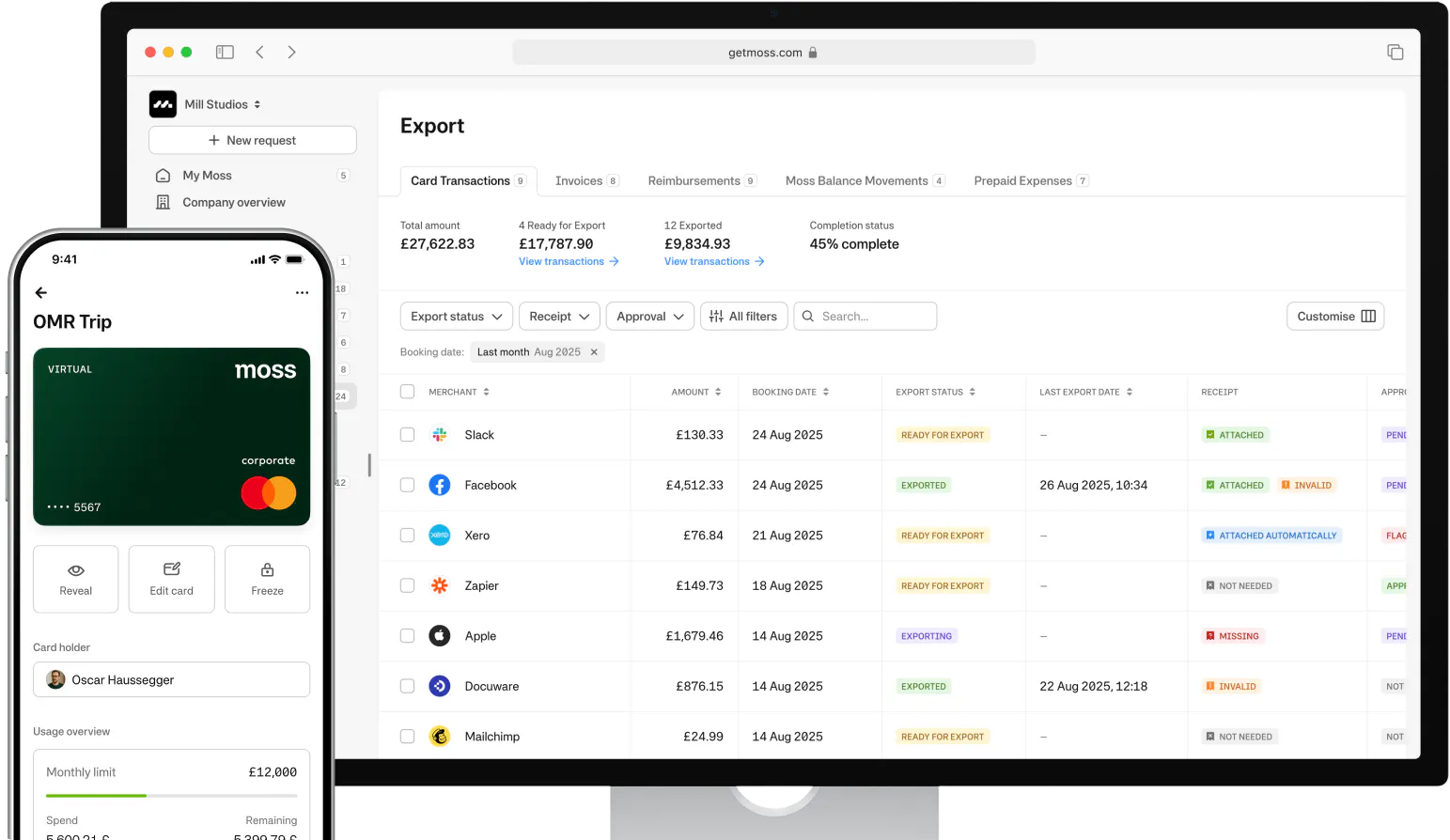
Businesses save days with Moss.
No per-card fees. No per-user limits.
Our pricing model is unique—just like your business. Design your ideal package: start with a base like Corporate Cards, Employee Reimbursements, or Accounts Payable, enhance with add-ons like Advanced Accounting or ERP integrations, and upgrade to an integrated suite when you're ready.
Best-in-class customer service, mobile app, and all the financial integrations you need to start effectively managing your spend.
Maximise spend efficiency and control with unlimited virtual cards, customisable limits, and automated receipt fetching. Settle your credit balance at the end of each billing cycle.
Make submitting reimbursements quicker and easier through streamlined upload and approval, and employee payouts directly from Moss.
Streamline accounts payable flow with customisable review process, effective supplier and OCR based automation, and one-click payments.
Improve financial oversight through budget tracking, spend insights, and greater flexibility in your approval flows.
Simplify purchasing through real-time budget oversight and efficient handling of purchase requests.
Native ERP integrations or Moss API for custom integrations, with support for your controlling dimensions.
AI Pre-Accounting for accurate spend attribution, project and cost-centre tracking, and full mandatory-field control.
FAQ
Are Moss cards prepaid?
Moss offers debit-funded cards, which work similarly to what most people call prepaid, you load a wallet and spend from your balance. The key difference: Moss cards run on the Mastercard credit network, so they're accepted wherever typical prepaid cards are often blocked, including hotel holds, car rentals, and subscription platforms. You get the control of pre-funding without the acceptance limitations of a standard prepaid card.
How quickly can I issue a pre-funded card?
Instantly. Once your Moss wallet is funded, virtual cards are created and live immediately. No waiting for physical delivery. Your team can add the card to Apple Pay or Google Pay and start spending within minutes.
Will Moss cards work where prepaid cards are typically rejected?
Yes. Unlike most prepaid cards, Moss debit-funded cards are accepted for hotel check-ins, car hire deposits, and online platforms, because they run on a credit card network (Mastercard). Acceptance is the same as any standard business credit card.
Can I issue cards to interns, temps, or contractors?
Yes, with no extra cost. Because Moss charges no per-card or per-user fees, you can issue cards to anyone who needs one: temporary staff, freelancers, volunteers. Set individual limits and deactivate when the engagement ends.
Can I create single-use or project-specific cards?
Yes. Single-use cards deactivate after one transaction, functioning as a digital purchase order for specific purchases. Project cards can be set with a budget cap and an expiry date, stopping automatically when either is reached. Both types draw from your Moss wallet balance.
What spending controls can I set?
Per-card limits (weekly, monthly, yearly), per-transaction caps, merchant category restrictions (block alcohol, clothing, entertainment), and time-based windows; for example, a card valid only during a specific project or travel period. Controls apply before the spend, not after.
How does wallet spend connect to my accounting system?
Every transaction is automatically pre-accounted: mapped to expense accounts, VAT codes, and cost centres, and synced to your accounting software or ERP. Spend arrives ledger-ready by default, with two-way sync to Xero, QuickBooks, DATEV, Exact, and others.
G2
4.7
Experience modern spend management with Moss.