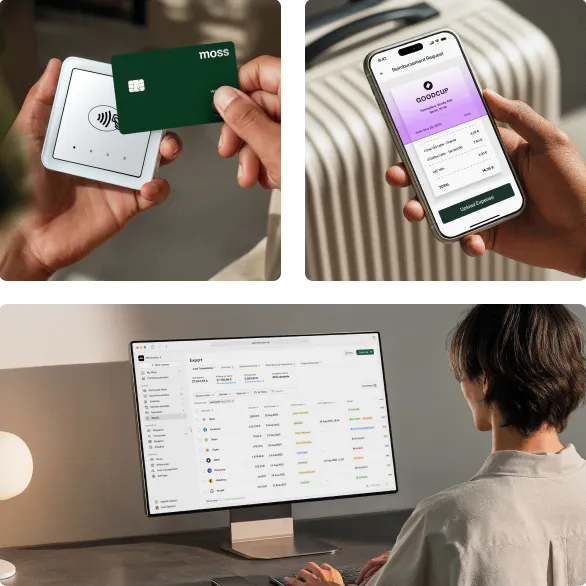
Unlimited virtual cards, zero overspending.
Issue virtual cards for projects, subscriptions, one-off purchases in seconds. Set custom spending limits. Close your books without the chaos.


Set limits for each card
Issue separate virtual cards for each subscription, project, or team member. Assign limits and merchant rules per card.

No chasing for receipts
Receipts are chased for automatically with reminders, so your team doesn't need to think about it.

Every transaction is accounting-ready
Virtual card spend is pre-coded and exported directly to your accounting system. Transactions captured ready for close.
Trusted by finance teams at Europe's leading companies


Issue virtual cards that can spend instantly
Create in seconds, set flexible limits, collect receipts automatically.
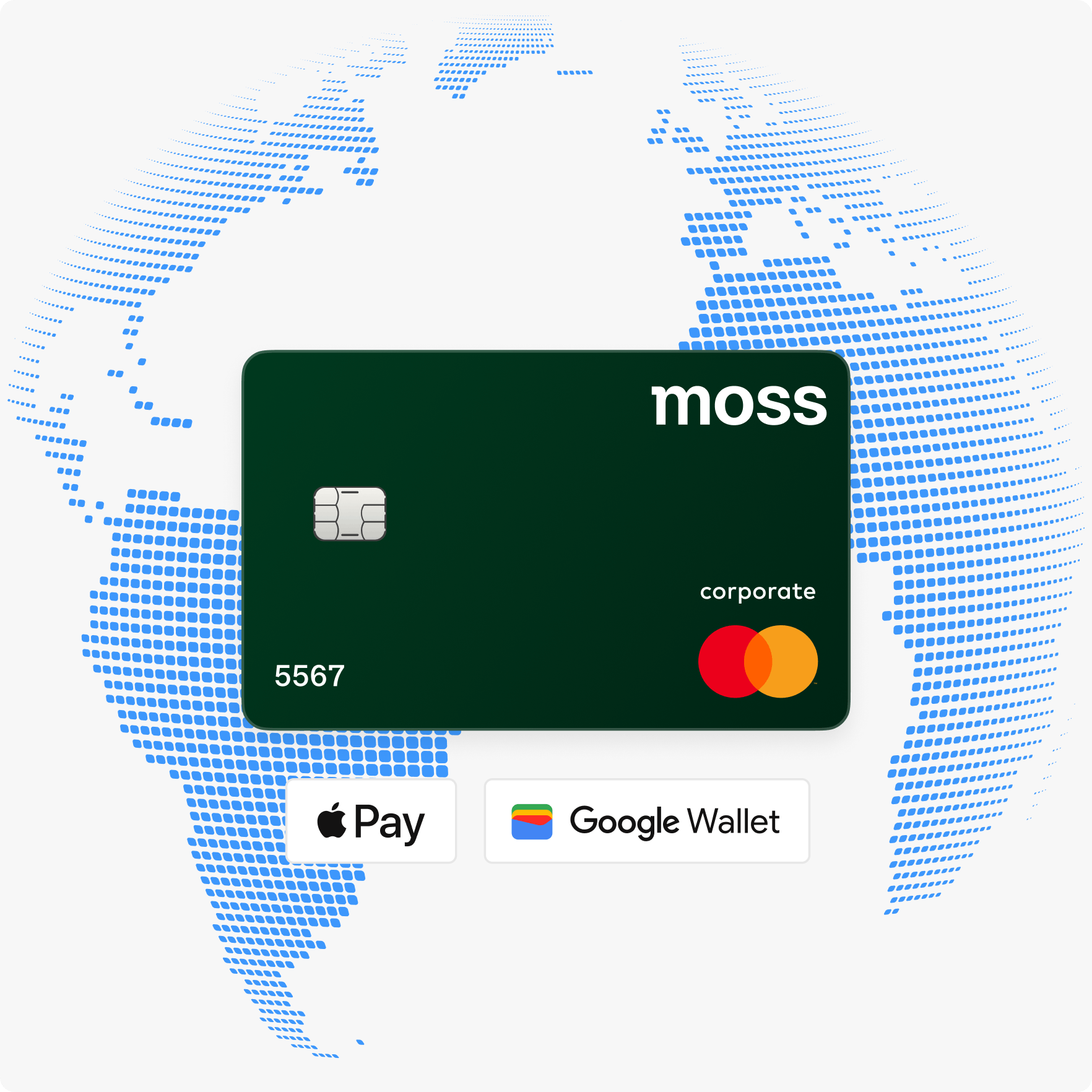
Pay globally from your wallet
Issue virtual cards for your team, set custom limits, and start spending immediately.
- Create and activate virtual cards in seconds, with no per-card fees
- Add to Apple Pay or Google Wallet to spend instantly
- Accepted worldwide on the Mastercard network, online and in-store
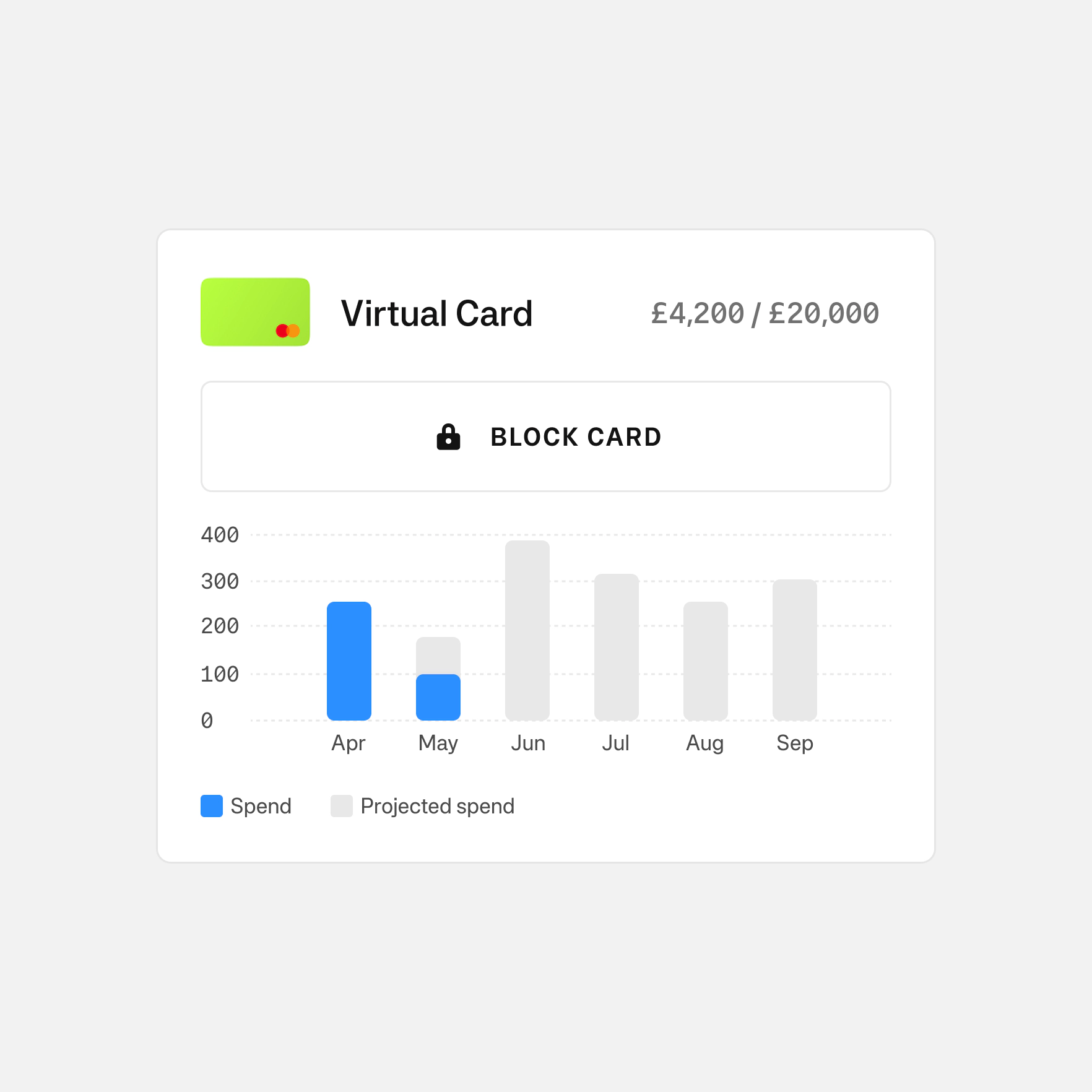
Set payment rules with card limits
Set rules for every card. Restrict where, when, and how much can be spent. Your policy is automatically enforced at purchase.
- Per-card and per-transaction spending limits
- Block merchant categories by card (travel, entertainment, alcohol, clothing)
- Restrict card use to days or date windows
- Freeze or deactivate any card in seconds
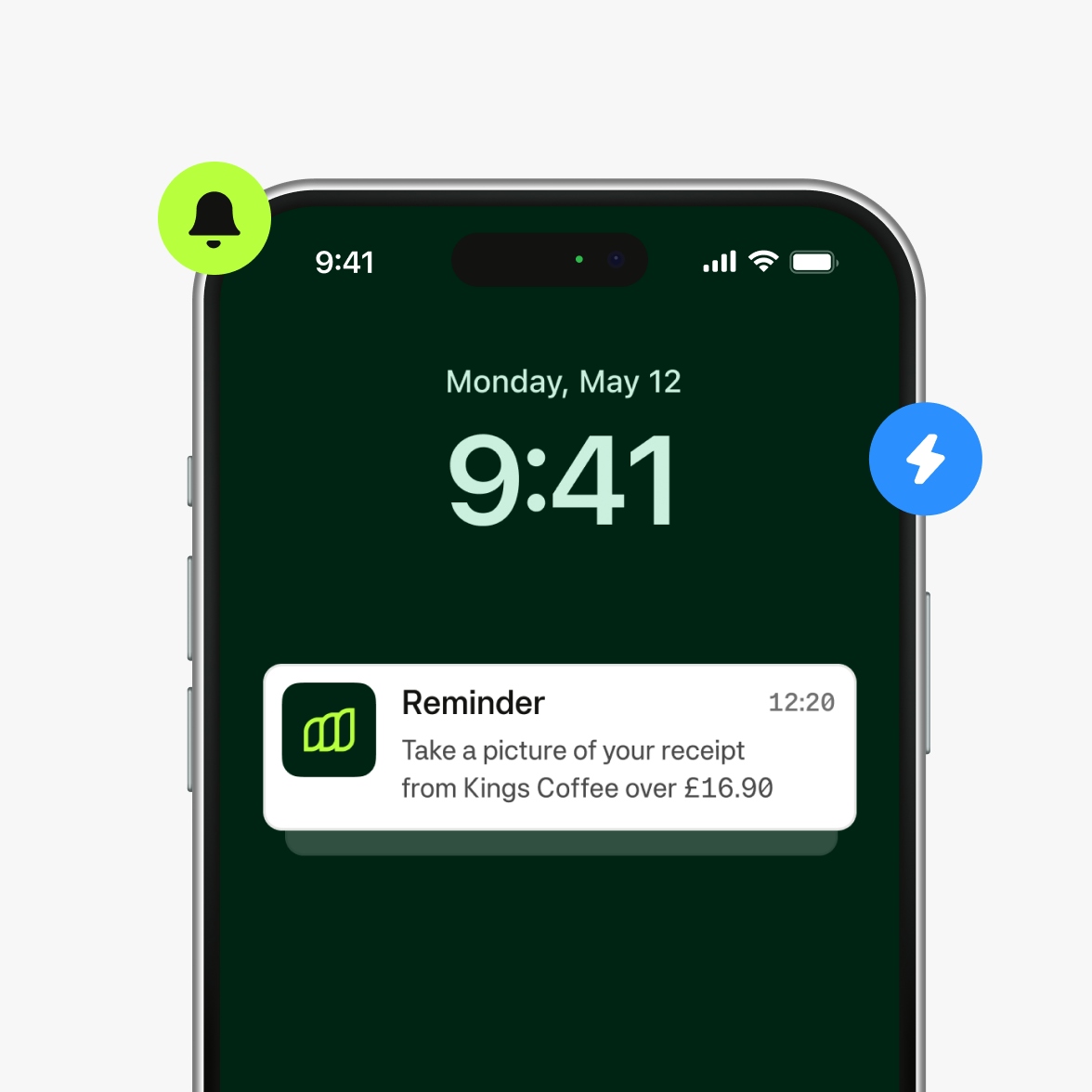
Receipts captured without the chase
Moss prompts spenders to attach receipts at the moment of purchase. Our Receipt Finder automatically scans inboxes for matching receipts. Virtual card spend is attributed by default - so your team doesn't need to chase spenders.
- Real-time receipt reminders sent at the point of purchase
- Centralised view of all outstanding receipts across the team
- Automatically block card use for spenders with overdue receipts
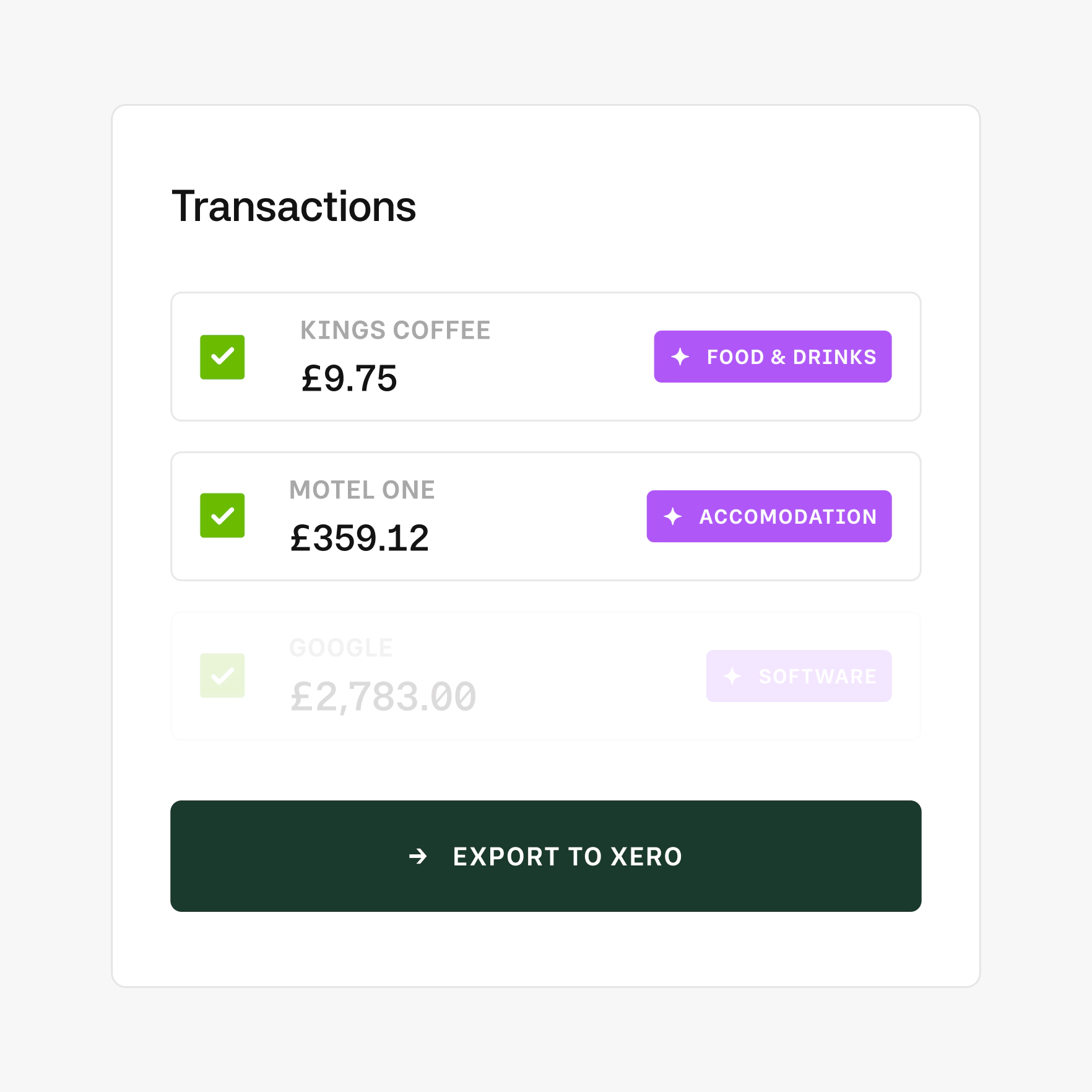
Virtual card transactions that arrive ledger-ready
Every transaction made on a Moss virtual card is pre-coded, VAT-attributed, and synced directly to your integrated accounting system.
- AI pre-accounting maps each transaction to the right expense account and VAT code
- Export clean, audit-ready data to your general ledger in one click
- OCR and AI-based spend categorisation
Moss moved these finance teams from chaos to control.
Pay as you grow
Virtual cards are included in the Moss Corporate Cards module. Add employee reimbursements, accounts payable, or enhance with add-ons like Advanced Accounting or ERP integrations, and upgrade to an integrated suite when you're ready.
Best-in-class customer service, mobile app, and all the financial integrations you need to start effectively managing your spend.
Unlimited virtual cards with no per-card fees, custom spending limits, automated receipt capture, and direct accounting sync.
Make submitting reimbursements quicker and easier through streamlined upload and approval, and employee payouts directly from Moss.
Streamline accounts payable flow with customisable review process, effective supplier and OCR based automation, and one-click payments.
Improve financial oversight through budget tracking, spend insights, and greater flexibility in your approval flows.
Simplify purchasing through real-time budget oversight and efficient handling of purchase requests.
Native ERP integrations or Moss API for custom integrations, with support for your controlling dimensions.
AI Pre-Accounting for accurate spend attribution, project and cost-centre tracking, and full mandatory-field control.
FAQ
How quickly can I issue a virtual card?
Instantly. Issue a card in Moss, set the spending limits, and it's live immediately. Your team can add it to their Apple Pay or Google Wallet and start spending right away.
Can I create single-use virtual cards?
Yes. Issue a card for a single use with a fixed limit, and then deactivates. It functions similar to a digital purchase order, useful for one-off supplier payments, emergency purchases, or laptop buys.
Can one person have multiple virtual cards?
Yes, and each appears as a distinct card in their mobile wallet with different colours and different limits. A team member could hold a virtual card for travel, training, and a general expenses card simultaneously.
How do merchant-specific cards work?
Create a dedicated virtual card for each subscription or recurring vendor, one for Google Ads, one for AWS, one for Slack. Pre-code the accounting details once.
Will virtual cards be accepted by platforms like Meta, Google, and major SaaS tools?
Yes. Moss virtual cards run on the Mastercard network and are accepted by all major online platforms and merchants worldwide.
What spending controls can I set on a virtual card?
Per-transaction and monthly limits, merchant category restrictions, blocked spend types (entertainment, alcohol, clothing), and time or date windows. For example, a card valid only during a scheduled conference.
Is there a limit to how many virtual cards I can create?
No. Moss offers unlimited virtual cards with no per-card fees. Issue as many as your business needs across teams, projects, vendors, or other spend categories.
How does virtual card spend reach my accounting system?
Every transaction is automatically pre-accounted — mapped to the right expense account and VAT code, and exported to your integrated accounting software or ERP.
G2
4.7
Experience modern spend management with Moss.