Your iPhone is your Moss card.
An easy, secure and private way to pay. Apple Pay lets you make purchases with your Moss card using any Apple device — just like you would with your physical card — in stores, online and in apps.

Trusted by finance teams at Europe's leading companies


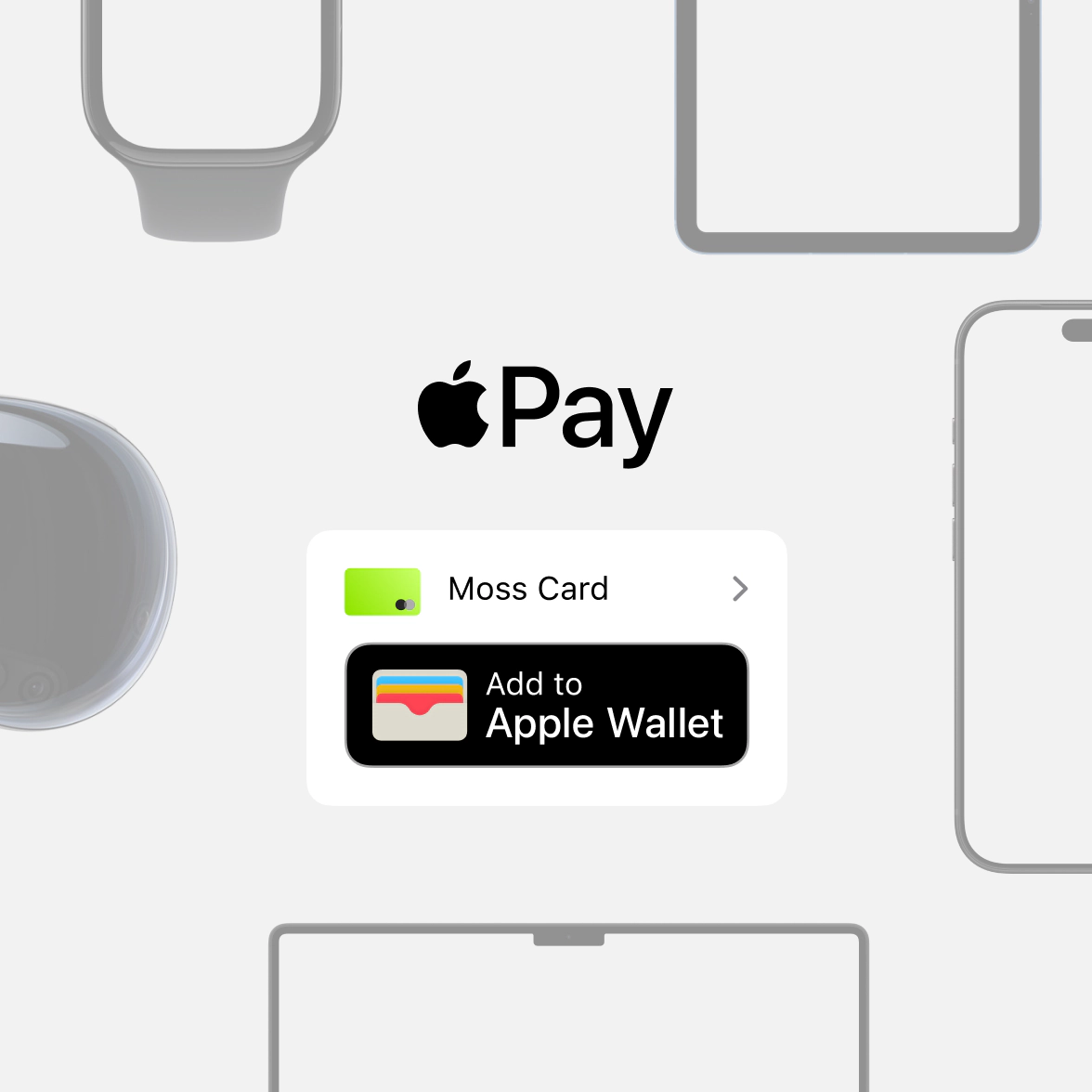
Apple Pay on one. Apple Pay on all.
Apple Pay is built into iPhone, Apple Watch, Mac, iPad and Apple Vision Pro. If you add your Moss card to Apple Wallet on iPhone, you’ll have the option to add it to your
other Apple devices in one easy step.

Shop in person. Online. Or in apps
Apple Pay is accepted by millions of merchants around the world. Just look for the Apple Pay
logo or the contactless payment symbol at checkout and pay with your Moss card. To check out with Apple Pay if you’re on a computer but not using Safari or a Mac, click the Apple Pay button and scan the code that appears onscreen with your iPhone.

Tap. Pay. Done.
Apple Pay lets you skip entering your address or CVC code at checkout — so you can pay with your Moss card with a simple glance or touch wherever you are. All physical, virtual and single purchase or project cards can be added to your Apple Wallet, including multi-currency cards.

Designed to be secure. So only you can pay.
Apple Pay transaction requires authentication through your device’s built-in security features — including Face ID, Touch ID and your passcode. Your debit or credit card number is never shared with merchants or stored on Apple servers. And if you misplace your iPhone, you can quickly mark it lost in “Find My” to suspend your Moss card.
Pay as you grow
Our pricing model is unique—just like your business. Design your ideal package: start with a base like Corporate Cards, Employee Reimbursements, or Accounts Payable, enhance with add-ons like Advanced Accounting or ERP integrations, and upgrade to an integrated suite when you're ready.
Best-in-class customer service, mobile app, and all the financial integrations you need to start effectively managing your spend.
Maximise spend efficiency and control with unlimited virtual cards, customisable limits, and automated receipt fetching. Settle your credit balance at the end of each billing cycle.
Make submitting reimbursements quicker and easier through streamlined upload and approval, and employee payouts directly from Moss.
Streamline accounts payable flow with customisable review process, effective supplier and OCR based automation, and one-click payments.
Improve financial oversight through budget tracking, spend insights, and greater flexibility in your approval flows.
Simplify purchasing through real-time budget oversight and efficient handling of purchase requests.
Native ERP integrations or Moss API for custom integrations, with support for your controlling dimensions.
AI Pre-Accounting for accurate spend attribution, project and cost-centre tracking, and full mandatory-field control.
FAQ
How do I add my Moss Card to Apple Pay?
To add your Moss Card to Apple Pay, simply open the Moss mobile app, go to “Cards”, select your card and tap on the “Add to Apple Wallet” button. From thereon, follow the instructions.
Alternatively, you can add your Moss Card directly via the Apple Wallet app on your Apple device. Here’s how to get started:
On an iPhone, open the Wallet app and tap the “+” sign.
For an Apple Watch, open the Apple Watch app on your iPhone and select “Wallet & Apple Pay,” then tap “Add Credit or Debit Card.”
On an iPad, go to Settings, open “Wallet & Apple Pay,” and select “Add Credit or Debit Card.”
On a MacBook Pro with Touch ID, go to System Preferences, select “Wallet & Apple Pay,” then select “Add Card.”
Which devices are compatible with Apple Pay?
You can use Apple Pay on iPhone, Apple Watch, iPad and Mac. For a full list of compatible Apple Pay devices, click here.
Which Moss Cards are compatible with Apple Pay?
All physical, virtual and single purchase cards can be added to Apple Wallet and used for Apple Pay, both in stores and online. Subscription cards are designed to be used for single online subscriptions, so they are currently not supported.
Where can I use Apple Pay?
Generally, any place that accepts contactless payments also accepts Apple Pay.
How can I select a default card if I have multiple cards in my Apple Wallet?
On your iPhone, go to Settings, then scroll down to Wallet & Apple Pay and select your default card under “Transaction defaults”.
In which countries can I use my Moss Card with Apple Pay?
All Moss customers in Germany, the Netherlands, Austria and the United Kingdom can add their Moss cards to Apple Pay.
G2
4.7